
Send a client back to the waiting room
Requeue, the control on a client's tile that returns them to the queue without ending the call.
- Who can use it
- All staff
The feature is called Requeue, and it exists only during a call. There is nothing to requeue from the dashboard, because somebody sitting in the queue is already where requeuing would put them.
- Select the three dot button on the client’s tile.
- Choose Requeue.
- Confirm.
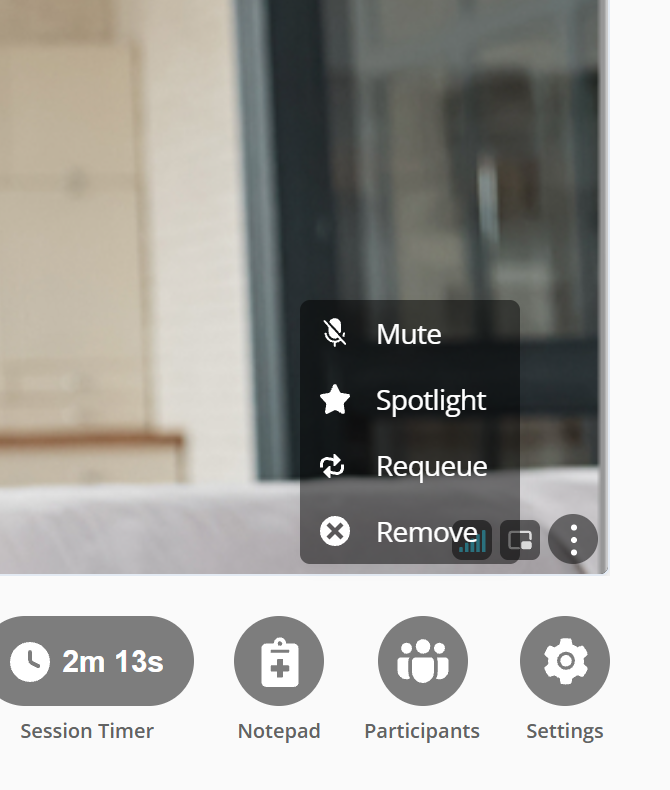
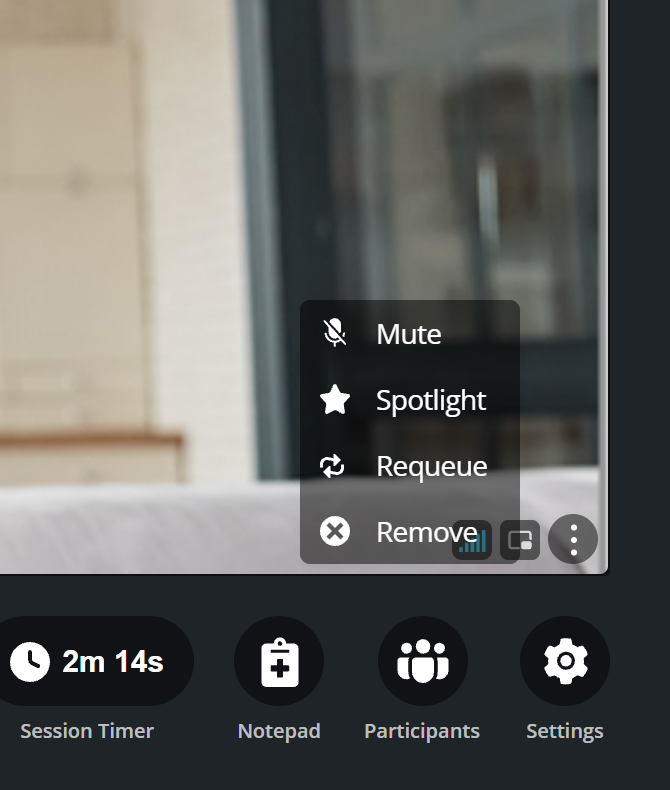
You are asked to confirm, because the client leaves the call the moment you do.
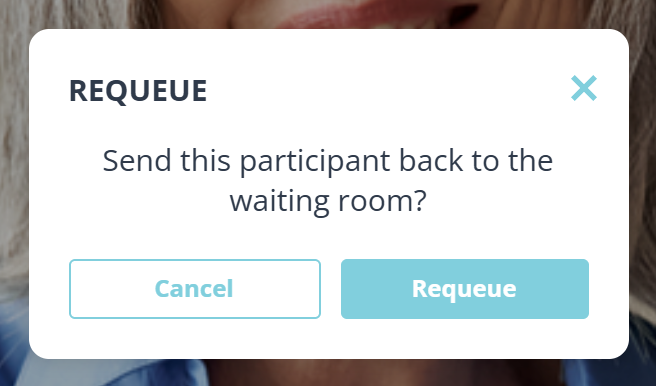
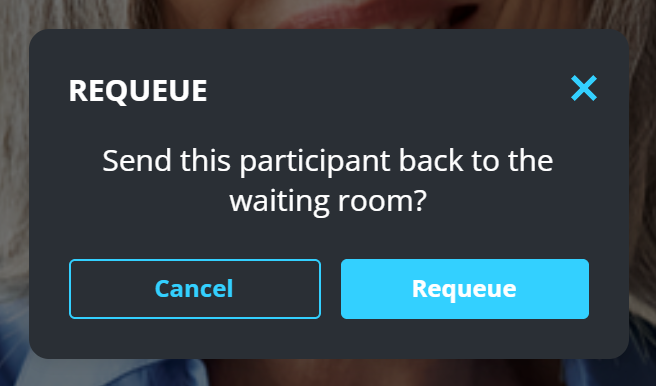
They return to the queue and you stay in the call.
When this is the right move
A family session where you need a few minutes alone with one person. A client who joined early while you are still with somebody else. An interpreter who should not hear the next part.
It is gentler than ending the call, because they keep their place and you can bring them back with Start call when you are ready.
What to know
- They land back in the waiting room, the way they were before you started the call.
- They keep their original place in line. Requeuing does not send them to the back, and the wait shown on their row is still counted from when they first checked in, not from when you sent them back.
- In a shared room they come back still claimed by you, so a colleague will not pick them up by mistake. Release them if you want somebody else to take them.
- Only people in the call can be requeued. The control is on the tile, and somebody who is not in the call has no tile.