
Chat during a call
Send a message or a file without interrupting what is being said.
- Who can use it
- All staff
Select Chat to open the message panel beside the video.
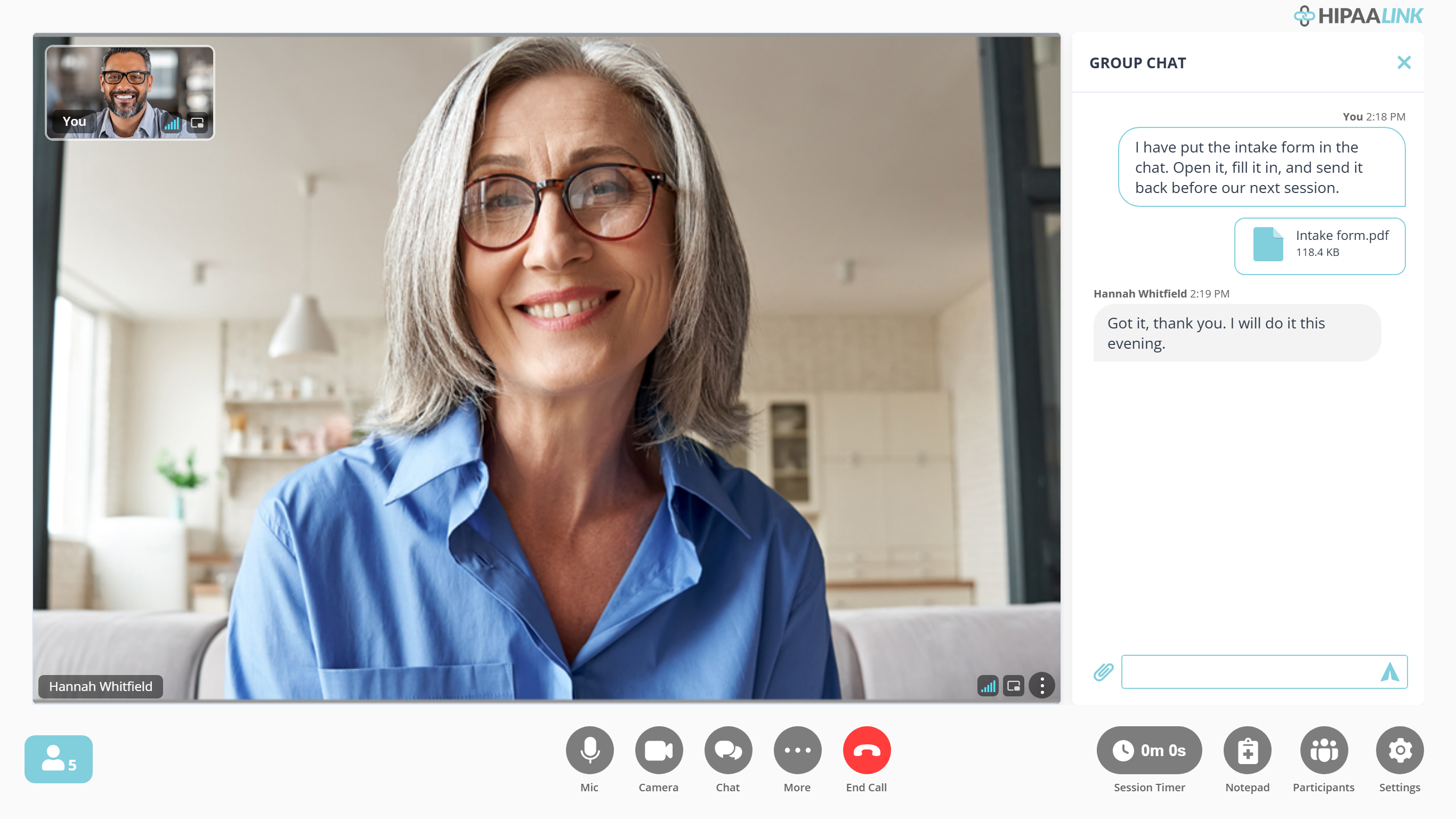
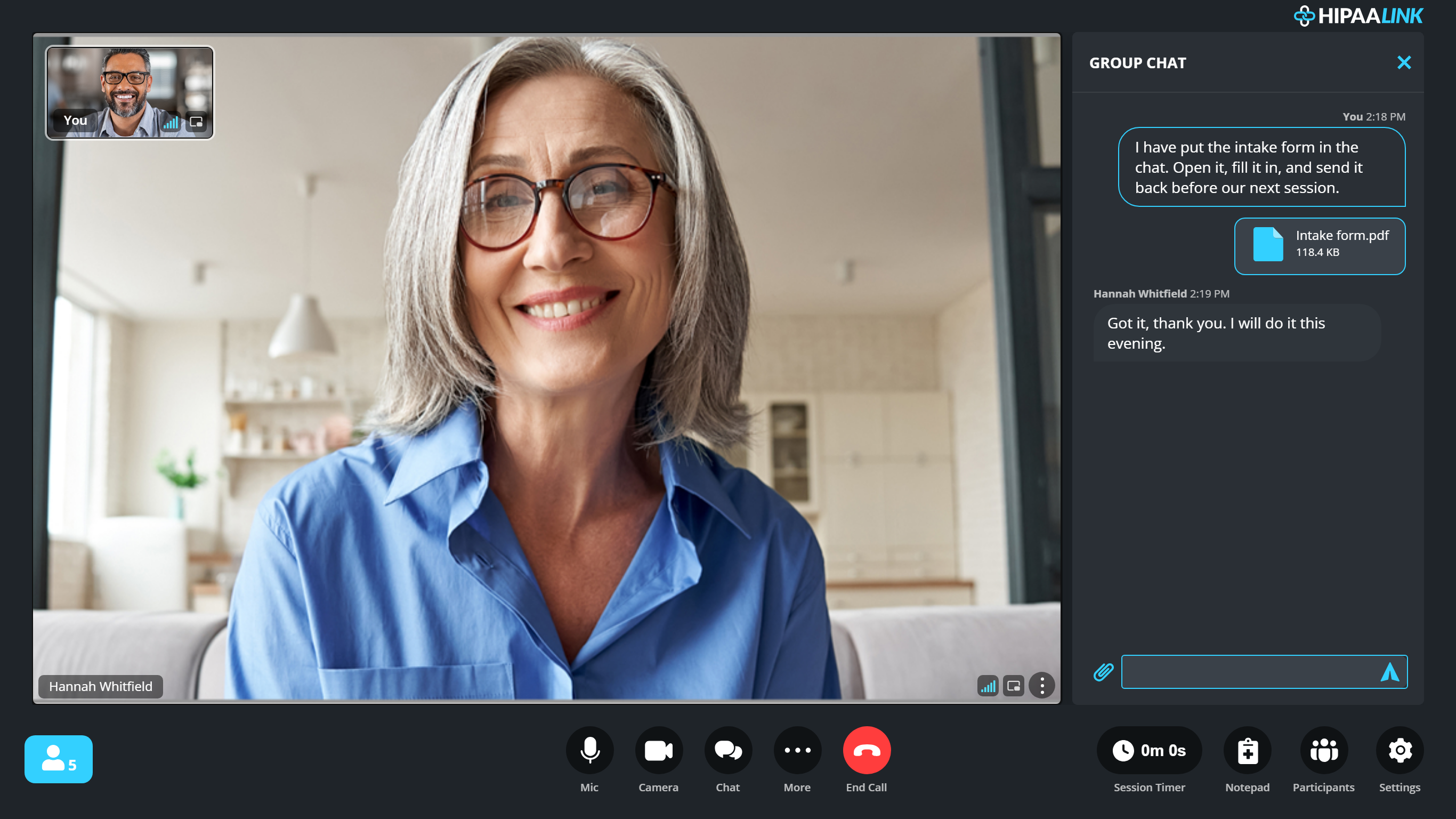
Your messages are on the right, the client’s on the left, with the time above each. A file arrives as a tile naming it, which either of you can select to open.
Use it for a web address you do not want to read out, a phone number, or a note to somebody who is muted.
Send a file
Attach a document or an image from the same panel. Max File Size: 10 MB
A file sent in the call can be opened by the other person without downloading it first. See Send and open files in chat.
What to know
- The thread belongs to this call. It is not the same as the waiting room messages you may have exchanged before it started.
- The panel is headed GROUP CHAT whatever the size of the call, including a visit with one client. Everyone in the call sees everything in it, so it is not the place for something meant for one person.
- File sharing is a paid plan feature.