
Use the notepad
Type notes beside the video, during the session, without leaving the call.
- Who can use it
- All staff
Select Notepad to open a notepad in the panel beside the video.
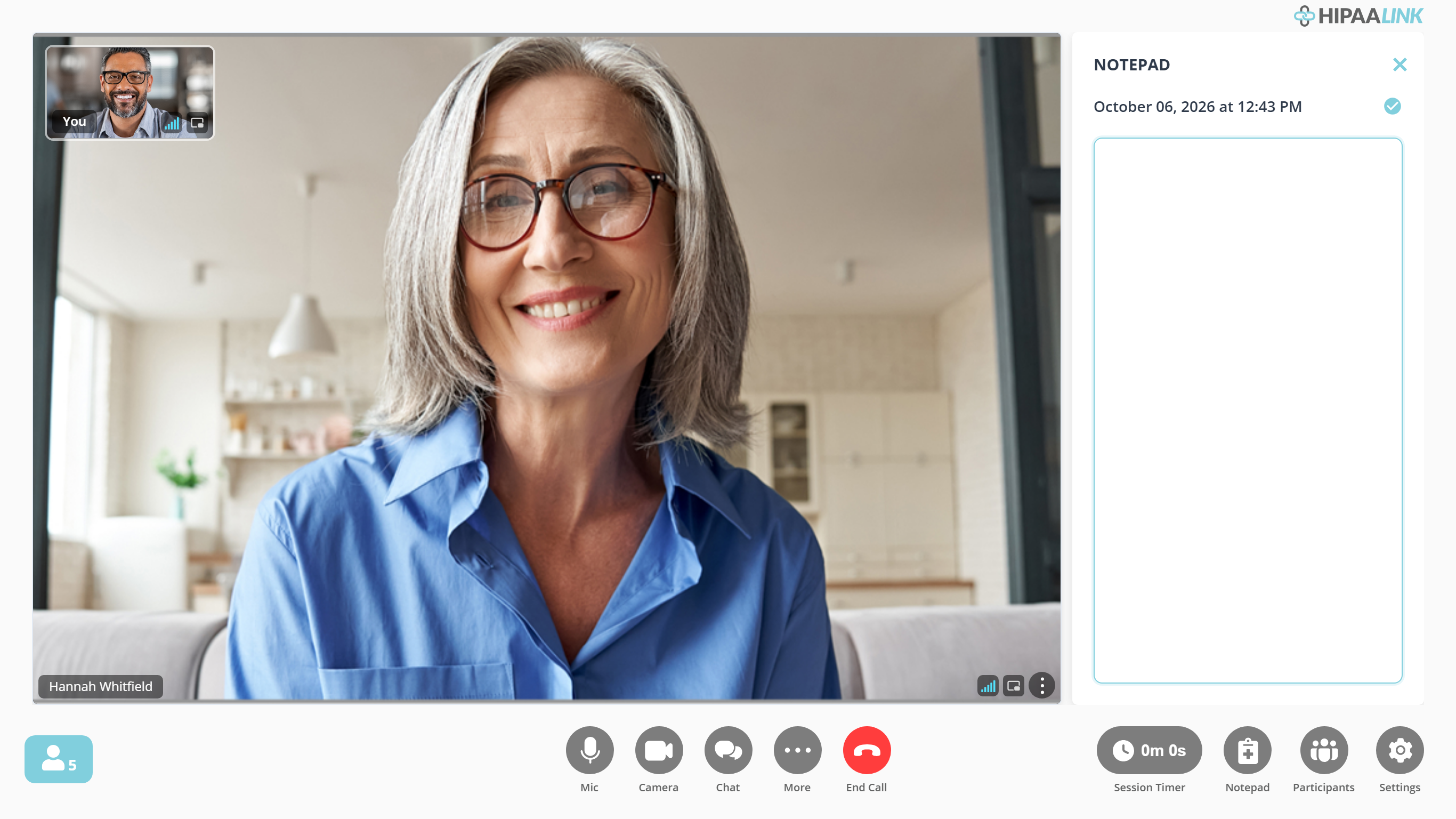
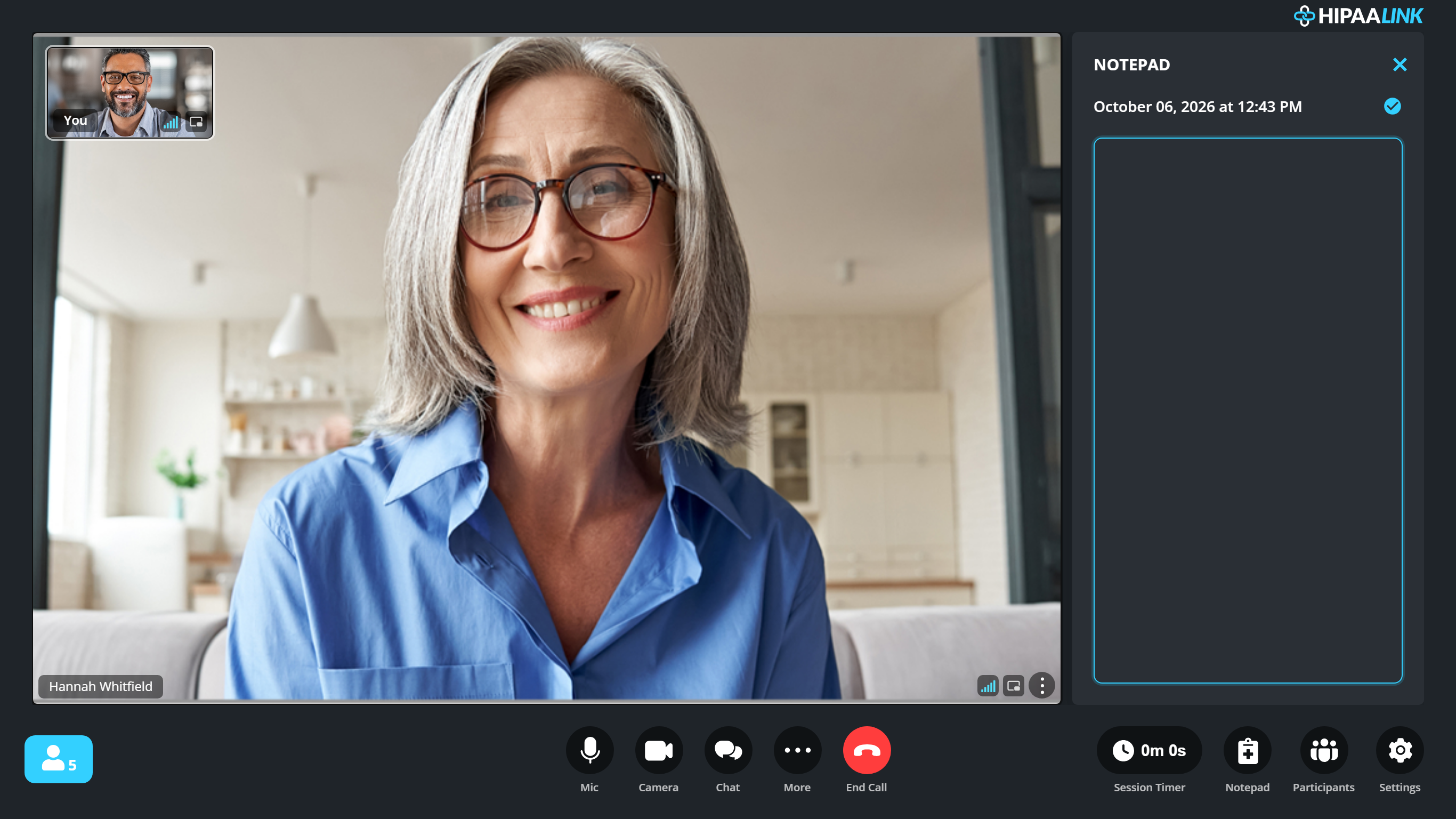
The call does not change while the panel is open. The client still fills the screen, and they are not told you are writing.
It is private. The client cannot see it, and nothing you type is shown to anyone in the call.
What to know
- Notes written here are attached to the session, so they are there when the call ends if you have the session summary turned on. See Set your call preferences.
- It is a notepad, not your clinical record. Treat it as working notes to be moved into whatever system you keep.
- For notes written for you from the conversation, see AI Progress Notes.