
Generate a progress note from a session
Have the conversation turned into a draft note, without typing it yourself.
- Who can use it
- All staff
- Plans
- Paid plans
- Where
- Account SettingsAI Progress Notes
AI Progress Notes records the session’s audio and turns it into a structured clinical note, such as SOAP or DAP, from a redacted transcript. Each recorded session uses one credit.
Run it
- Start a video or audio-only session with your client.
- During the call, open More and select Start AI Notes.
- Fill in the prompt and start it.
- When the call ends, you'll receive an email letting you know when the report is ready to download.
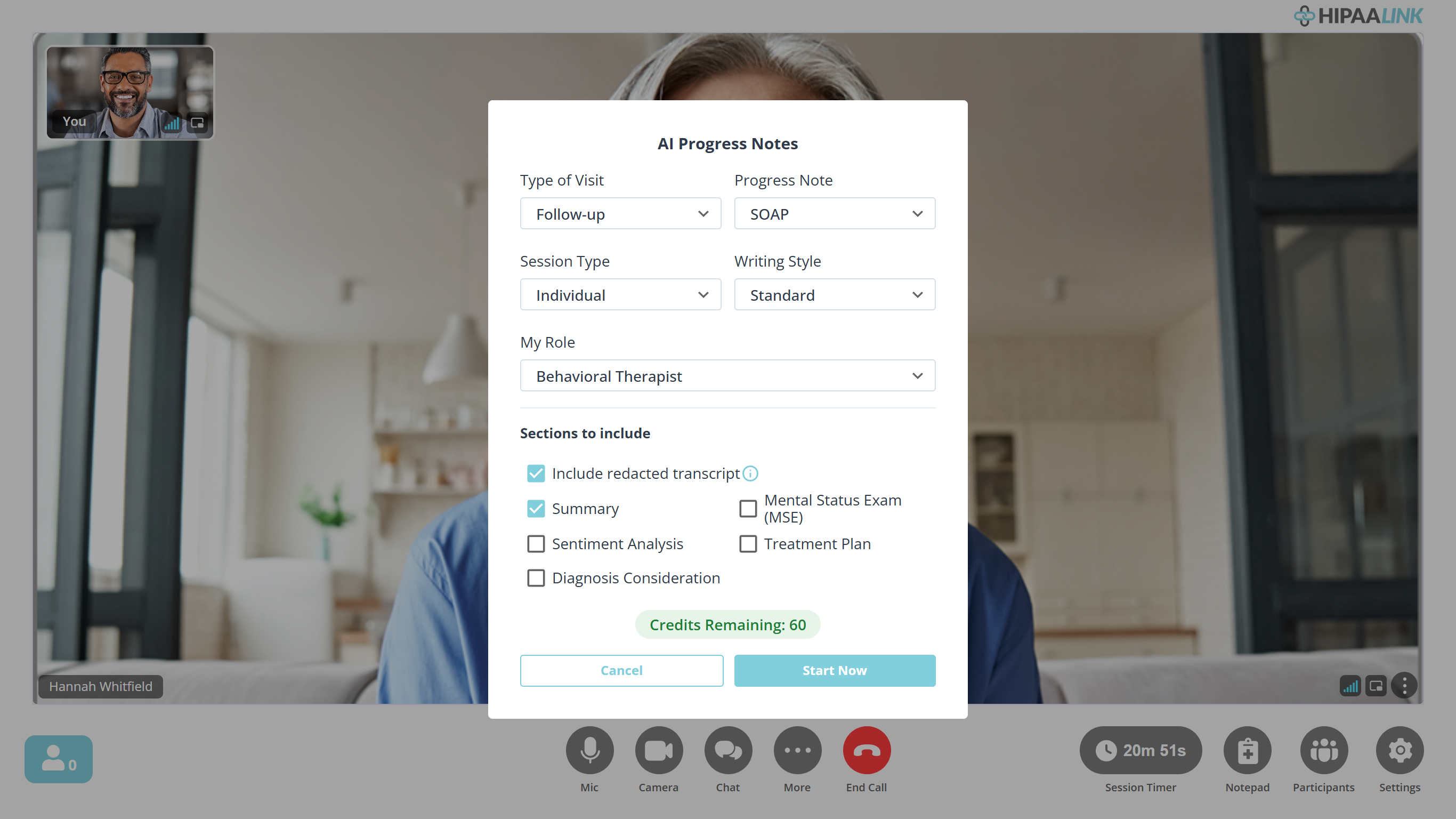
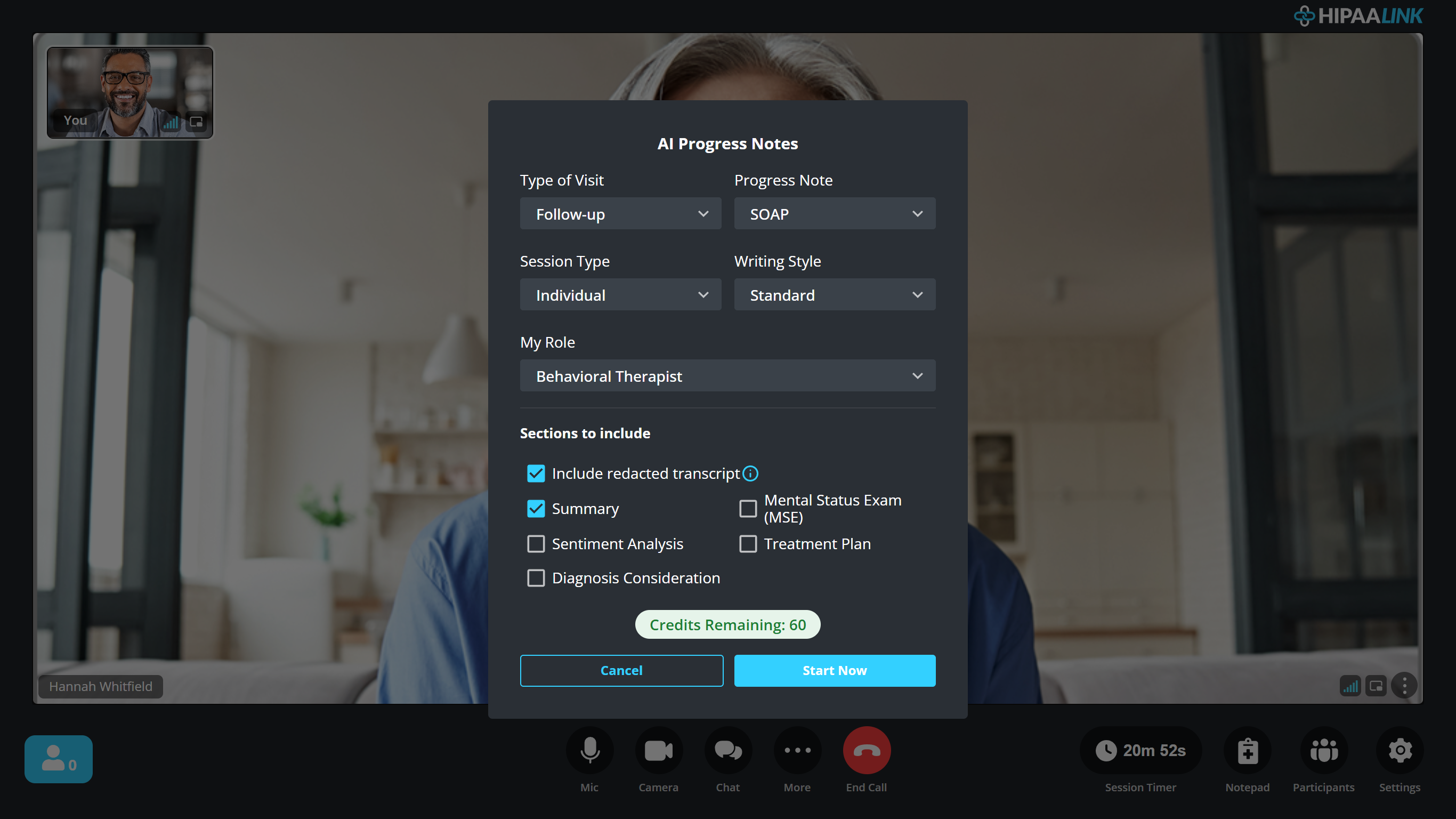
The prompt is where the note’s shape is decided. Progress Note picks the format, SOAP here. My Role changes the clinical voice it writes in. Sections to include decides what the document contains, and the transcript is one of those sections rather than something separate.
Two of them are worth a thought before each session rather than once. A first visit and a follow-up produce different notes from the same conversation, and an assessment you do not tick is simply absent from the document.
Stop AI Notes ends it early. The call itself carries on.
While it runs, the call says so beside the logo, so neither of you forgets it is on.


Read the note
Open Account Settings › AI Progress Notes. Notes are listed by Date, and you can download each one.
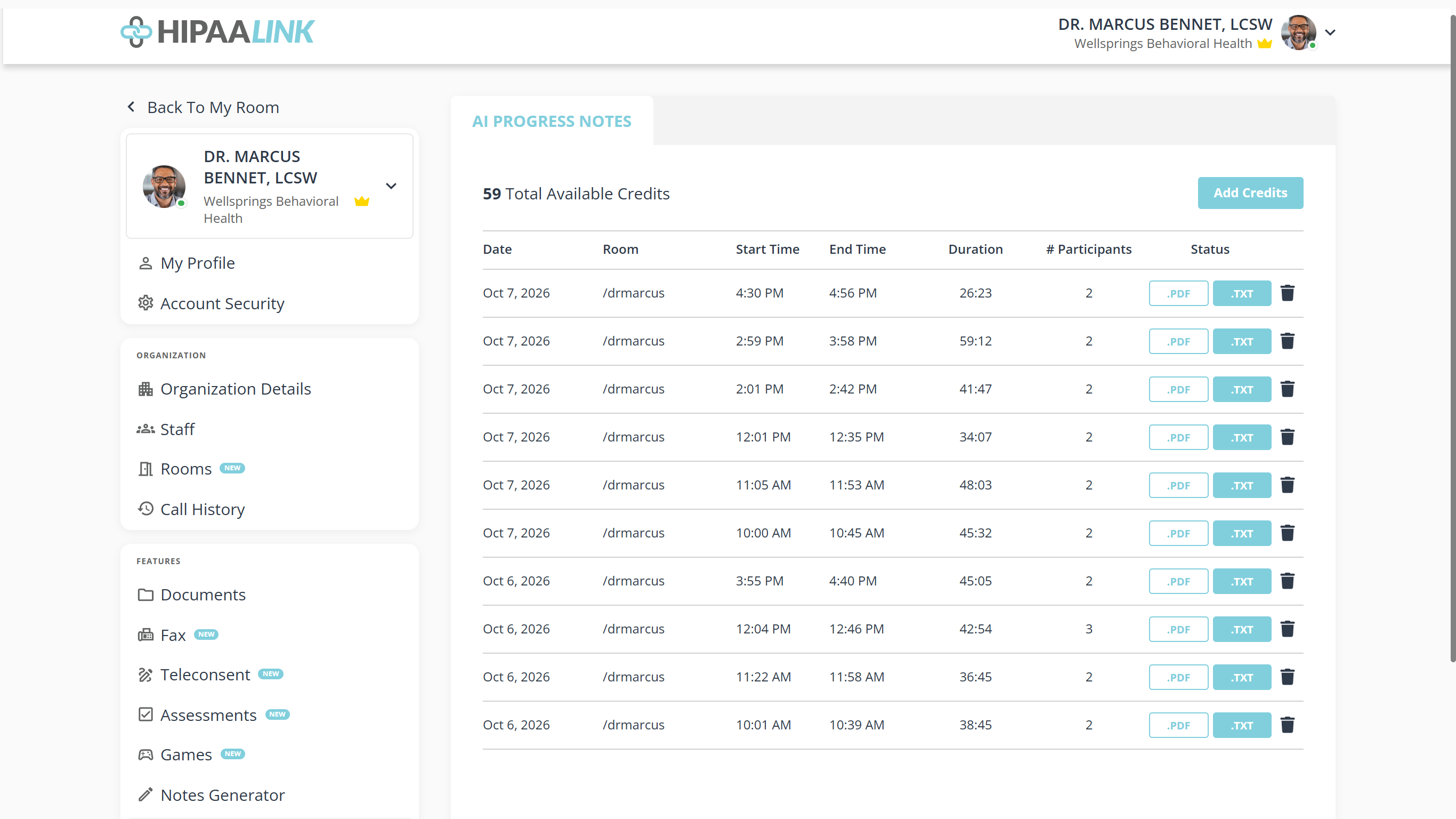
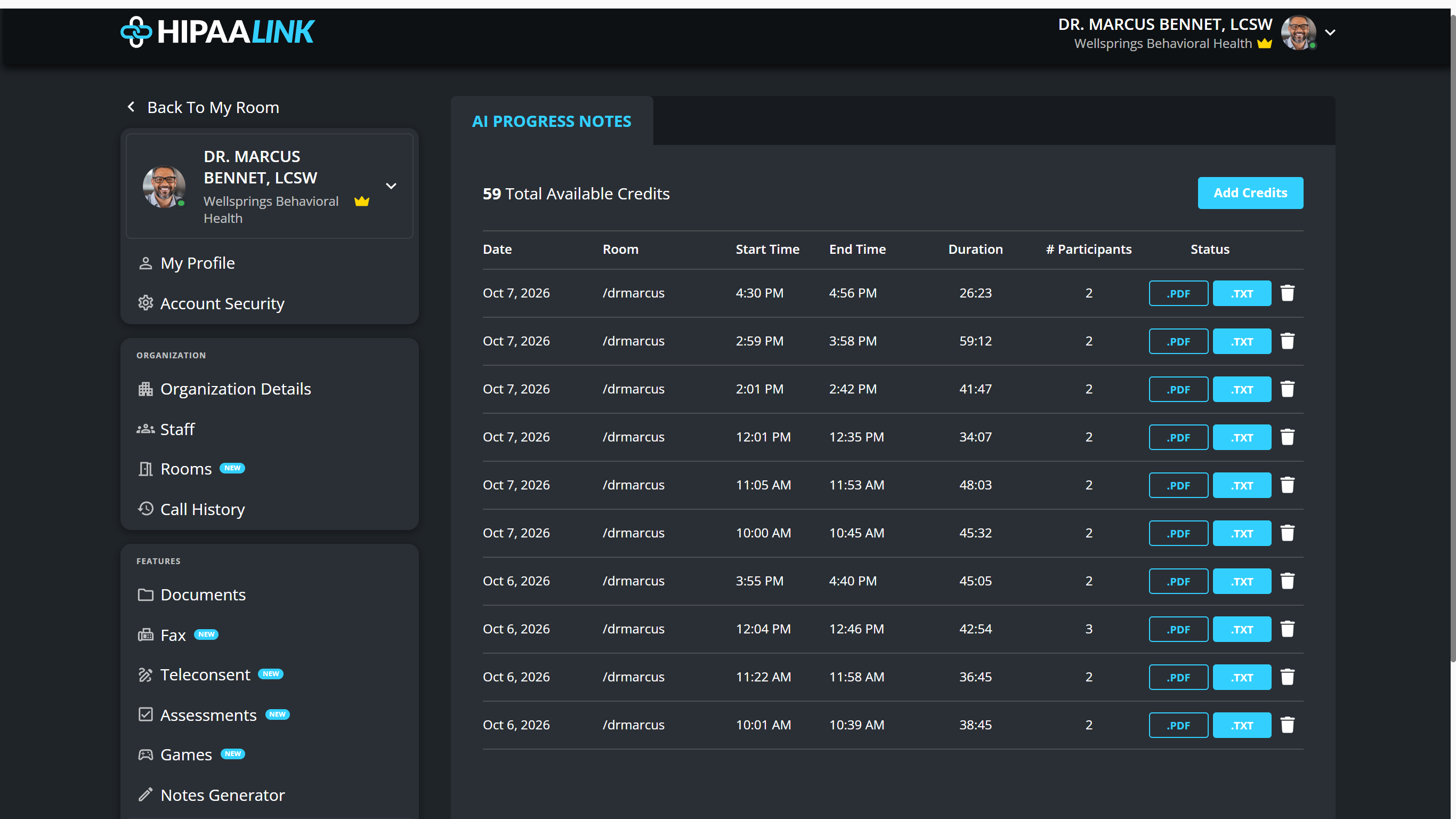
Each row is one recorded session, listed with the room it happened in, when it ran and how long for. The two buttons at the end are the formats the note comes in. The bin deletes the note.
Nothing here carries a client’s name. A row is identified by its room and its time.
Until anything has been generated it says No Recent Progress Notes To View
Choose a format
The same note comes two ways, and which you want depends on where it is going.
.PDF, to read and to keep
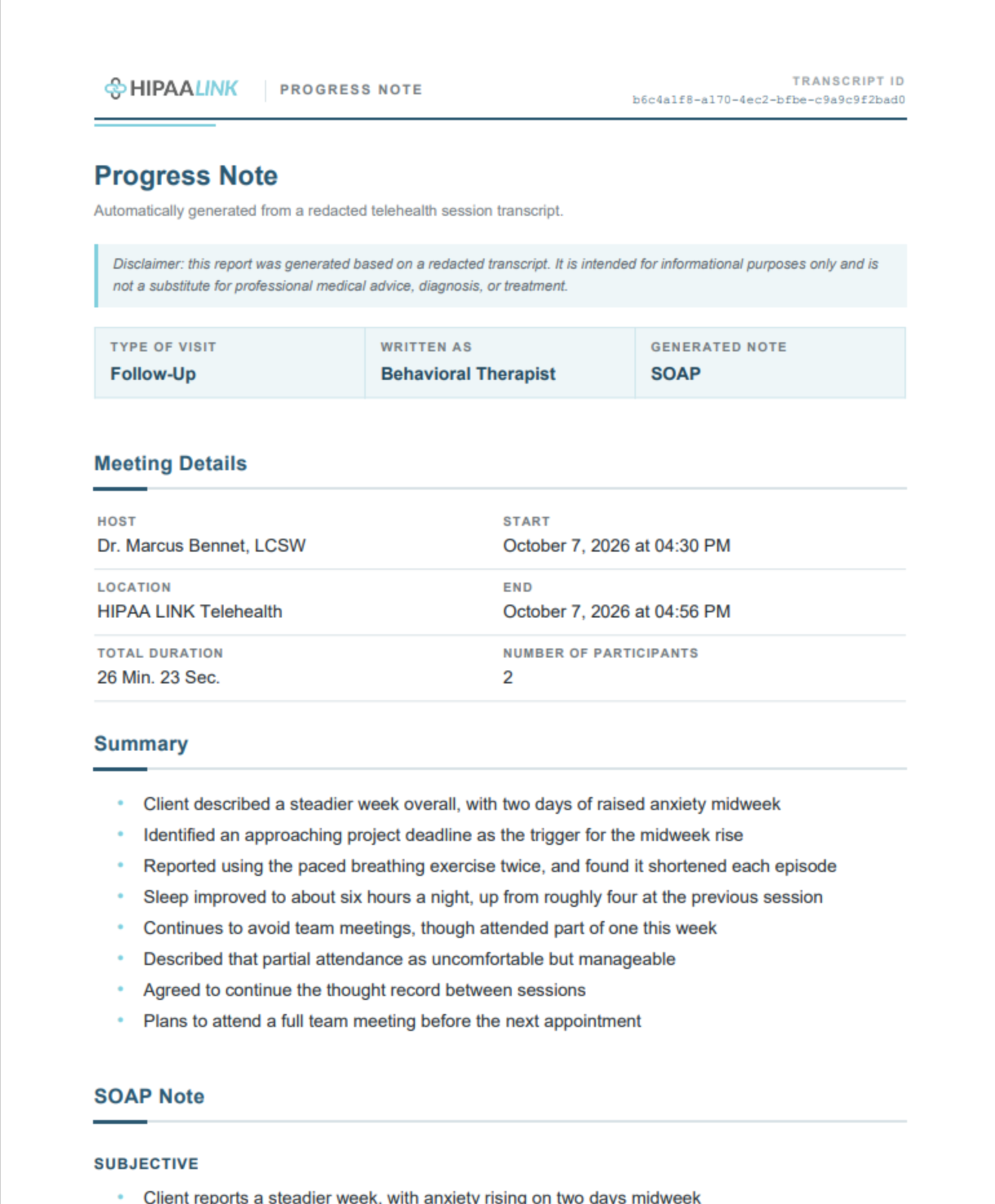
It is laid out to be read and filed: the clinic and clinician on every page, the transcript id in the header, and the disclaimer on the face of the document rather than in an email around it. The sections you ticked follow in order, and the redacted transcript is the last of them.
.TXT, to paste into a record
The same content as plain text, which is the one to use when the note is going into an EMR or a client record, because it pastes without carrying any formatting with it.
AI PROGRESS NOTEAutomatically generated from a redacted telehealth session transcript.
Type of Visit:   Follow-UpWritten As:      Behavioral TherapistGenerated Note:  SOAPTranscript ID:   b6c4a1f8-a170-4ec2-bfbe-c9a9c9f2bad0
MEETING DETAILS===============Host: Dr. Marcus Bennet, LCSWLocation: HIPAA LINK TelehealthStart: October 7, 2026 at 04:30 PMEnd: October 7, 2026 at 04:56 PMTotal Duration: 26 Min. 23 Sec.Number of Participants: 2
SUMMARY=======- Client described a steadier week overall, with two days of raised anxiety midweek- Identified an approaching project deadline as the trigger for the midweek rise
Headings are underlined with equals signs and bullets are hyphens, so the structure survives pasting into a plain text field.
What to know
- The session audio is what it works from, so a very short recording produces nothing: The recording is too short. Please record a longer clip.
- It uses credits. See AI credits, and what uses them.