
Run a clinical assessment
Have a client complete a standard measure during the visit.
- Who can use it
- All staff
Open More and select Assessments. Manage clinical assessments that clients complete before or during a video session. Eight built-in assessment instruments are included, and you can create custom assessments using HIPAA LINK's Form Builder.
- Choose the participant.
- Choose the assessment.
- Send it.
They complete it on their own screen while you wait, and you see the result when they finish.
Choosing a measure
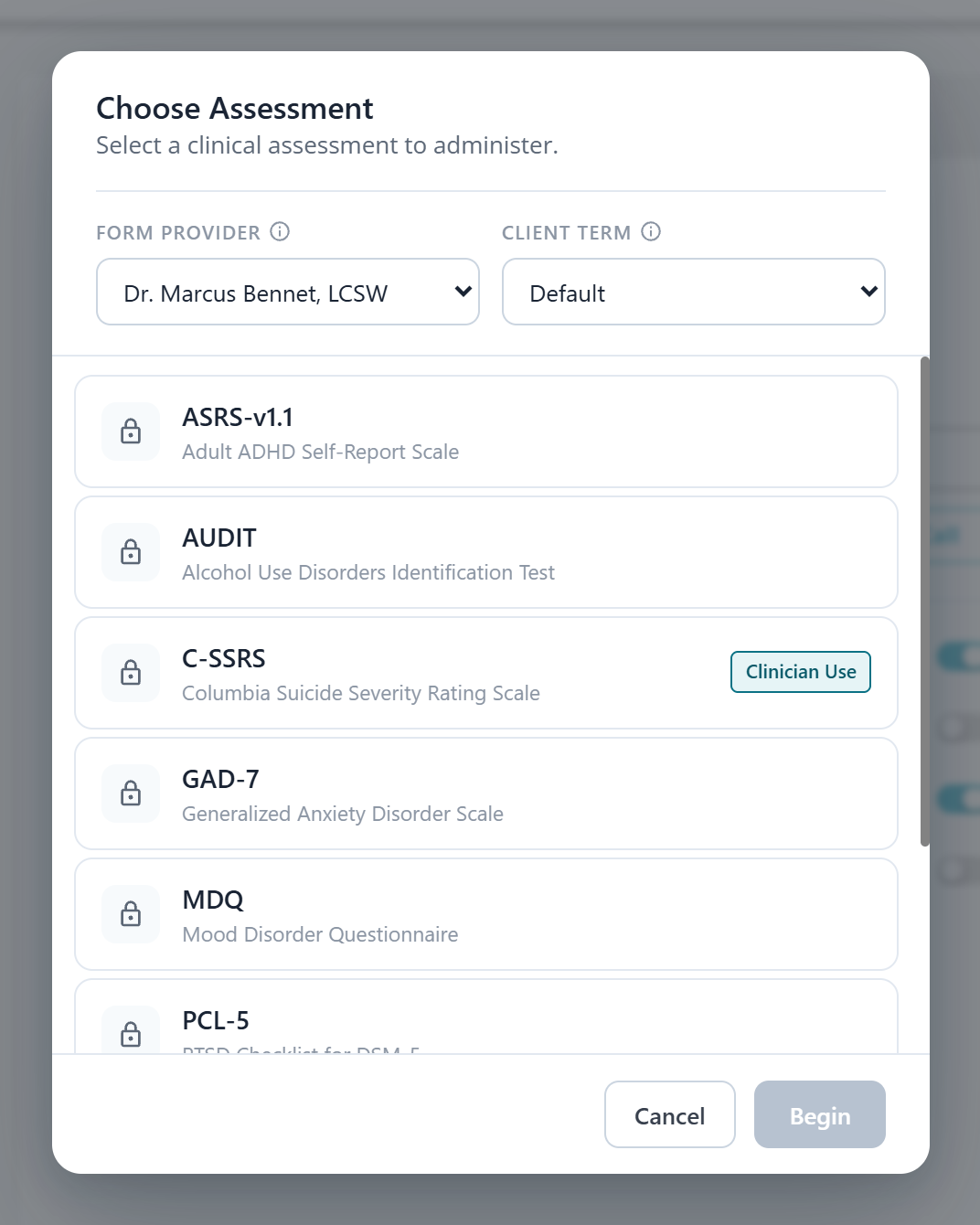
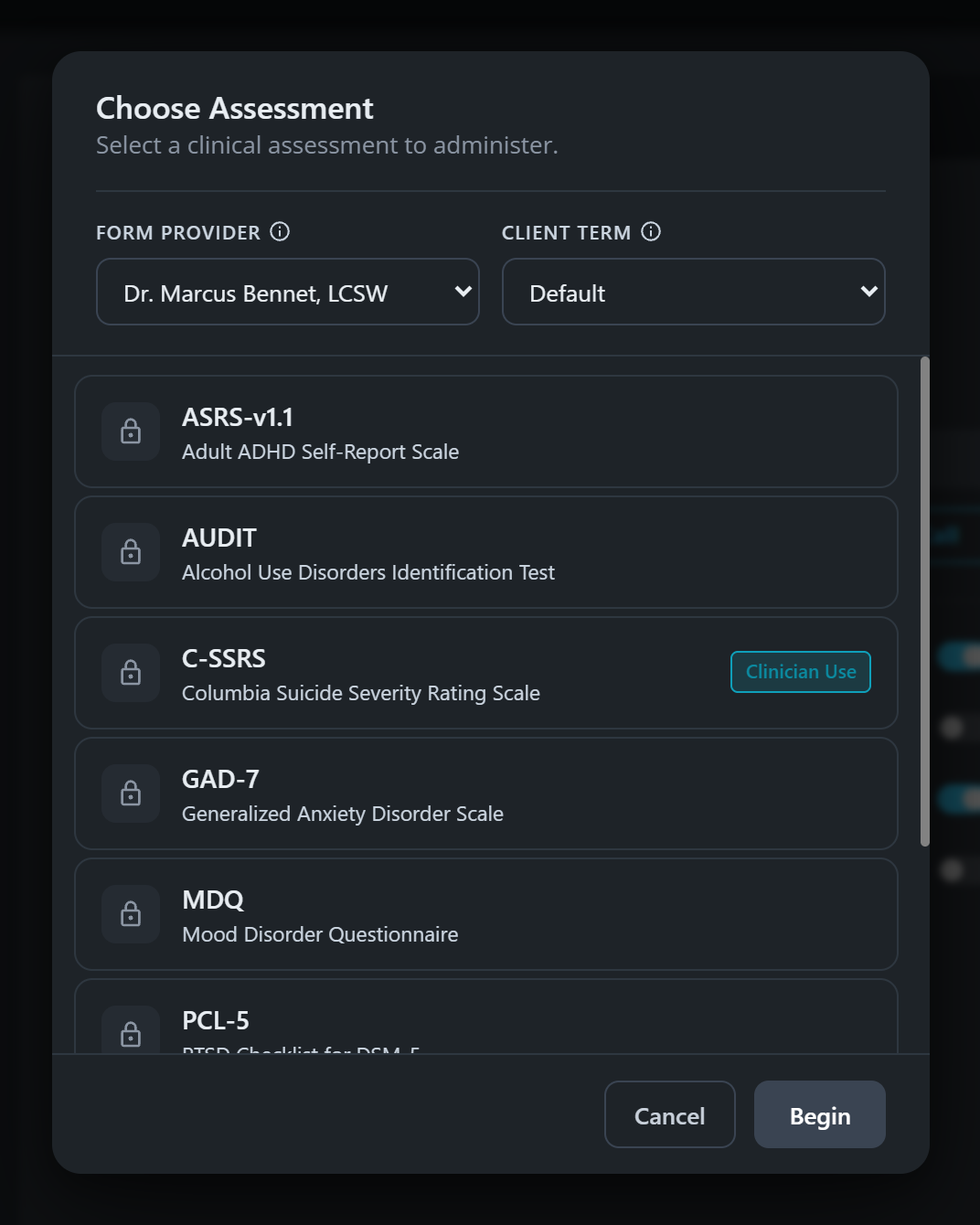
One of them is marked for clinician use. That is the suicide severity scale, which is administered by you rather than handed to the client to fill in alone.
Filling it in
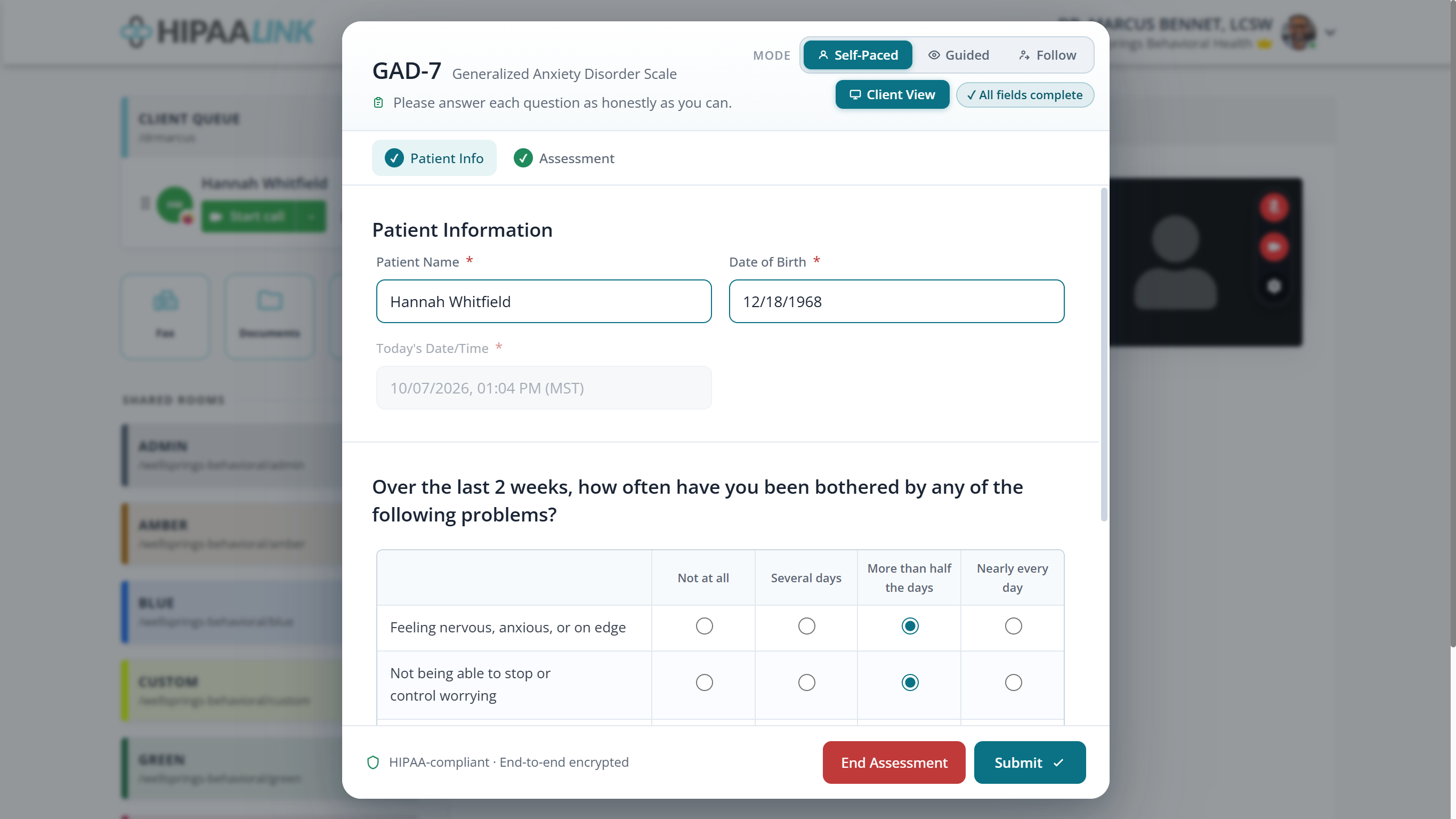
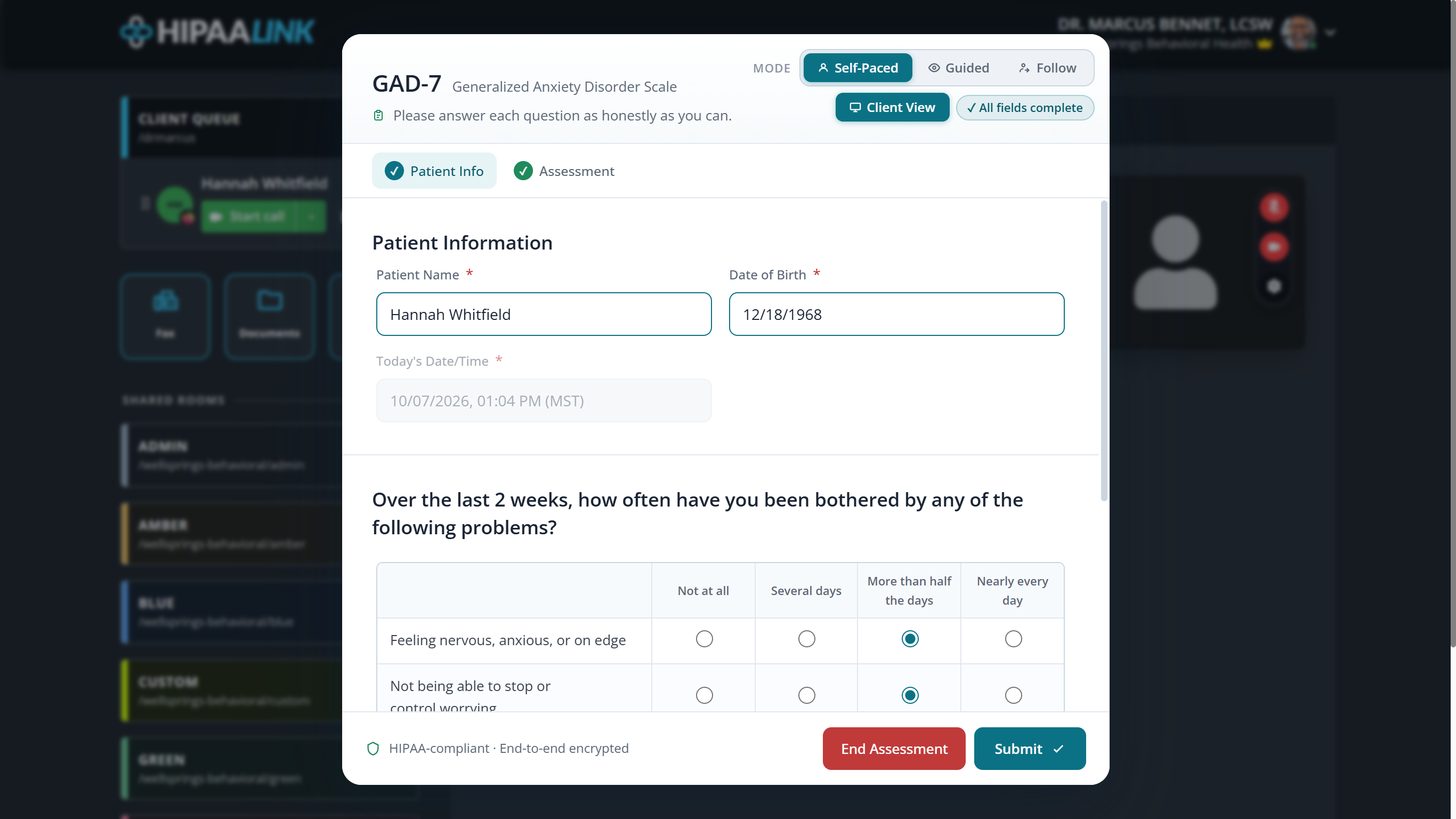
The measure is reproduced as published: the same question wording and the same response options, so the score means what the measure says it means. The modes at the top work as they do for consent, deciding whether the client works alone, you lead, or you follow their screen.
The score
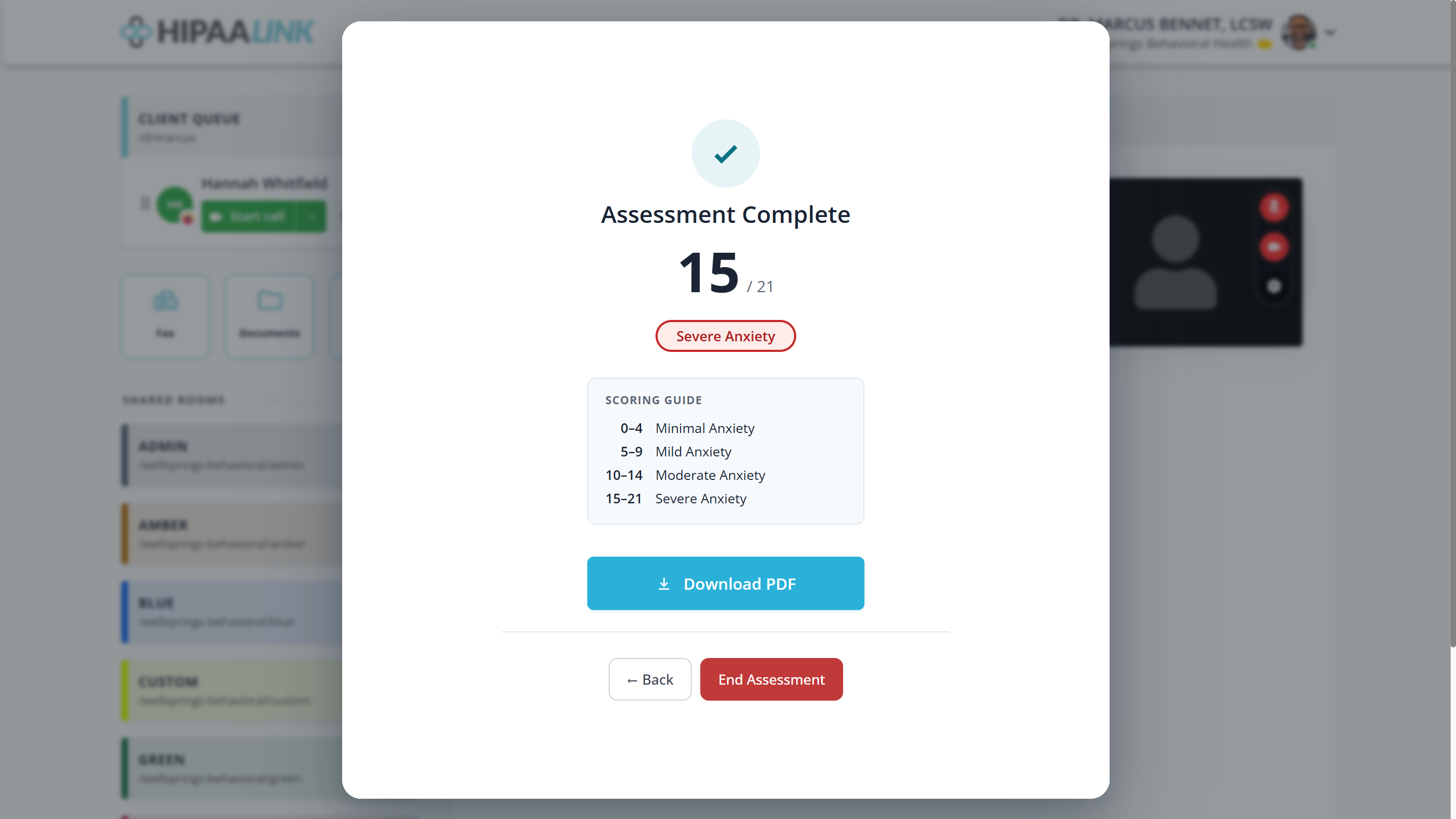
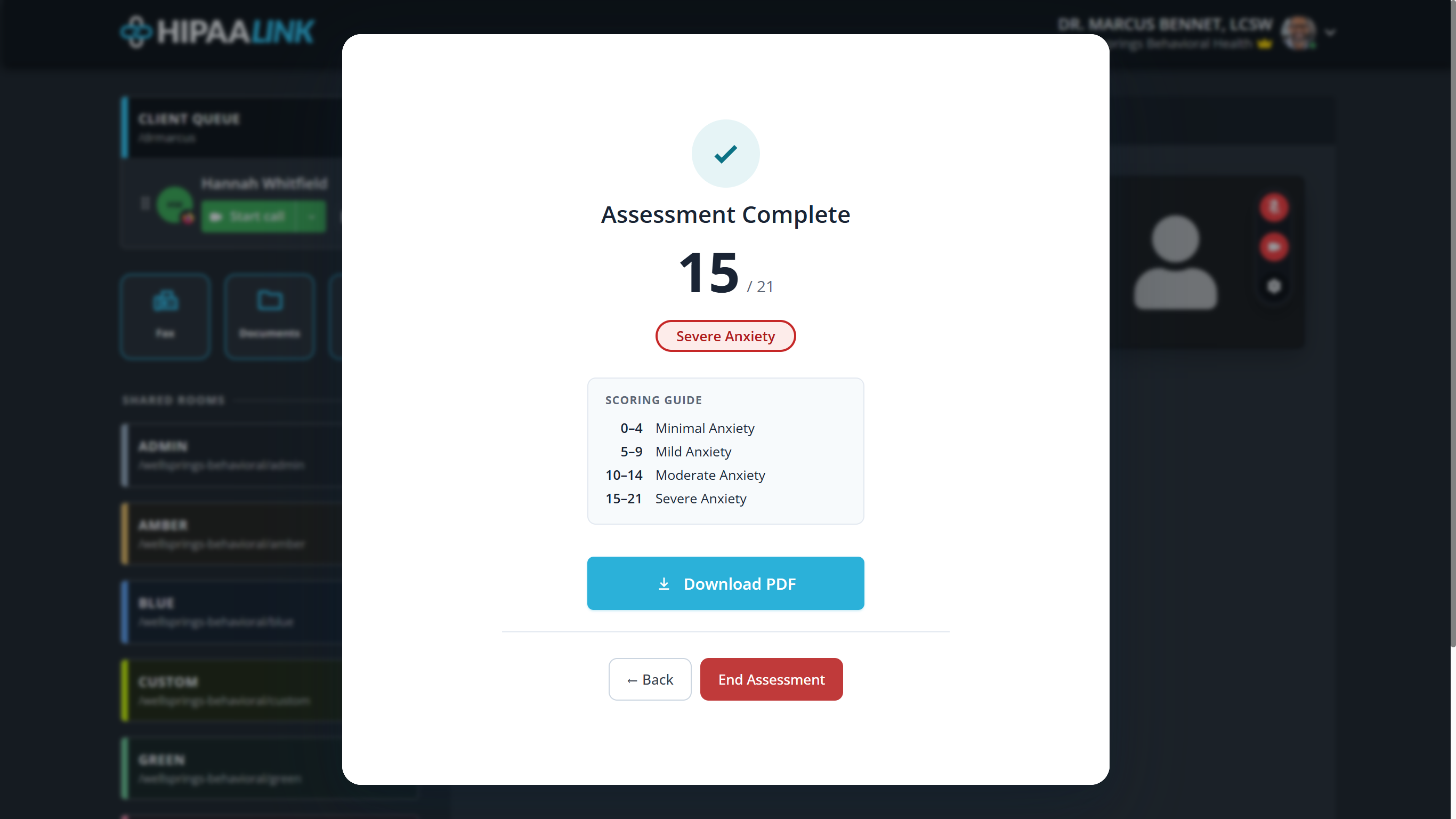
The score is given with the band it falls in and the whole scoring guide beside it, so the number is interpretable without looking the measure up.
If you cannot find it
Clinical Assessments is an organization setting, under Account Settings › Assessments, and a clinic admin sets it. There are two switches and they work in order:
- Activate feature turns assessments on for the clinic. Until it is on, nobody has them, and the second switch reads Activate first.
- Allow staff access decides who may use them. When enabled, all staff members can administer assessments. When disabled, only administrators can.
For information about Assessments, contact your administrator.