
Use the whiteboard
A shared drawing space both of you can write on during the call.
- Who can use it
- All staff
- Plans
- Paid plans
Open More and select Whiteboard. Both of you can draw on it, and both see every change as it happens.
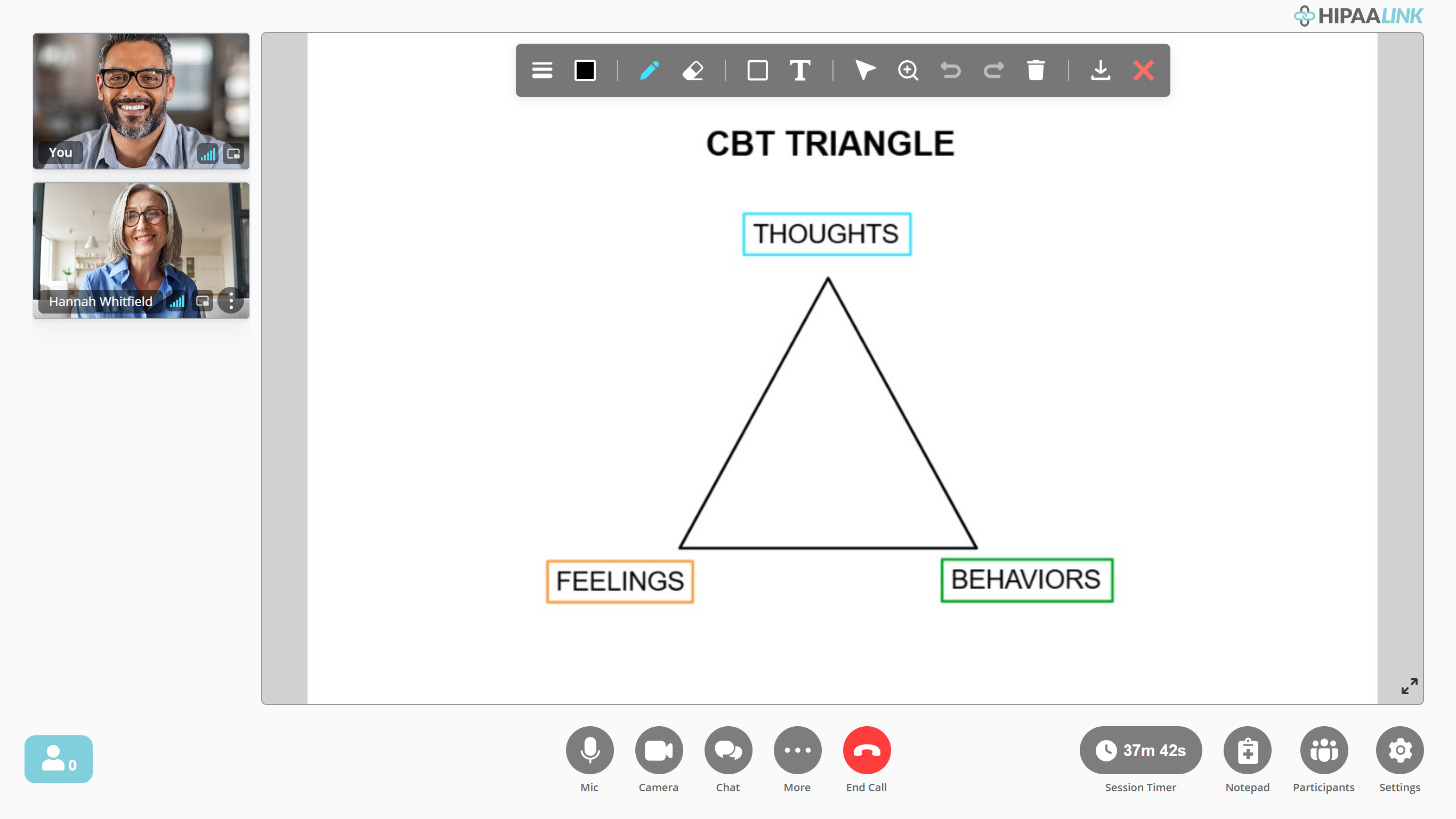
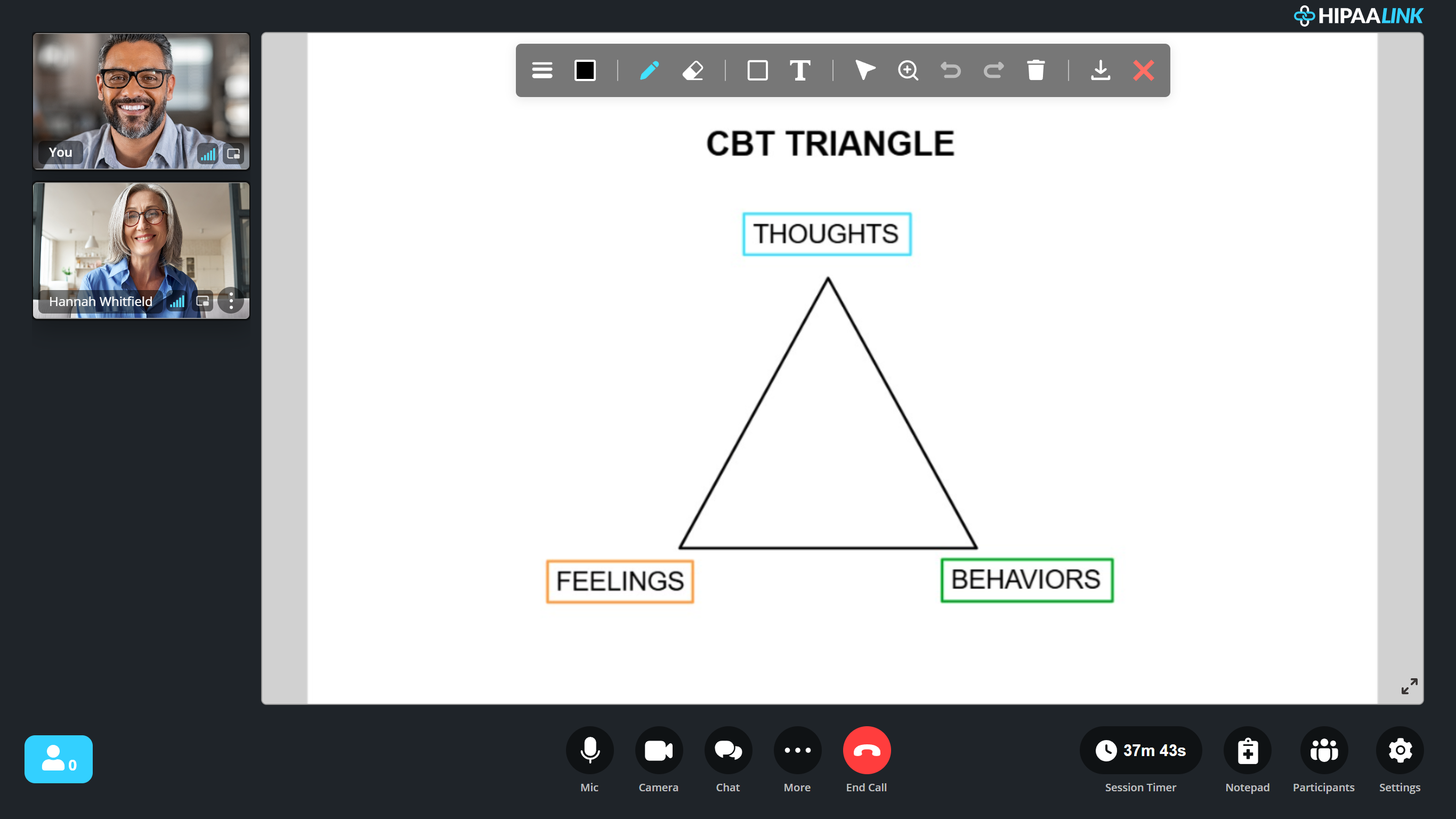
The layout changes when the board opens. The video stops being the main thing on screen and the two of you become small tiles down the left side, with the board taking the rest. The call carries on exactly as before, and the controls along the bottom do not move.
Useful for a thought record, a timeline, a diagram of who is in a family, or anything a client would otherwise be describing in words.
What to know
- The board is a fixed size and everyone sees the whole of it. Nobody can be looking at a corner you cannot see.
- Screen share must be closed first: “In order to open whiteboard please exit share screen”.
- Closing it ends it for both of you. Capture anything you need before you do.
- The whiteboard is a paid plan feature.