
Play a game with a client
A shared game inside the call, for rapport, for children, or for an assessment that needs a task.
- Who can use it
- All staff
- Open More and select Games.
- Pick from Choose a game.
- Select Play.
The game opens for both of you and you keep talking throughout.
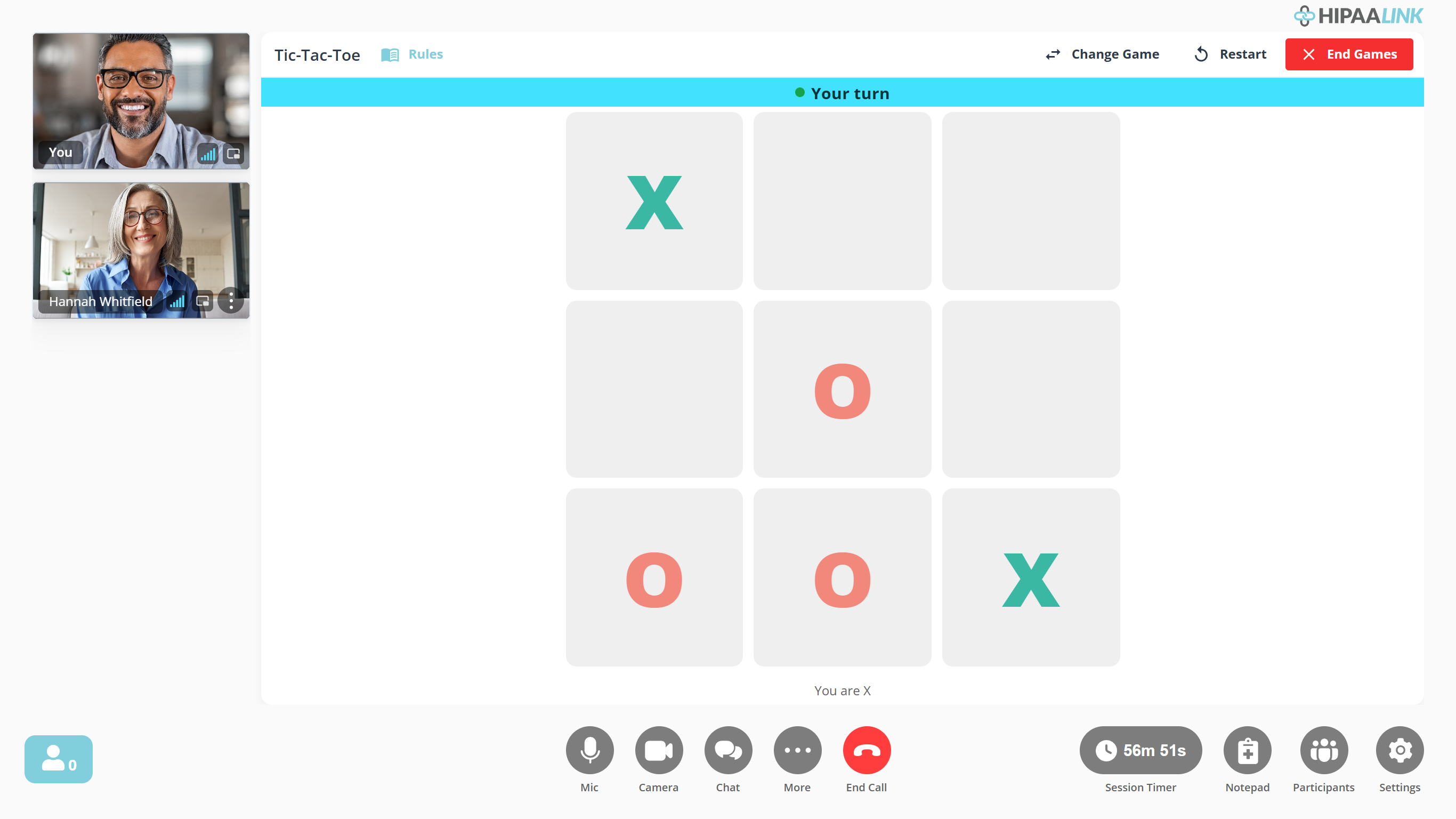
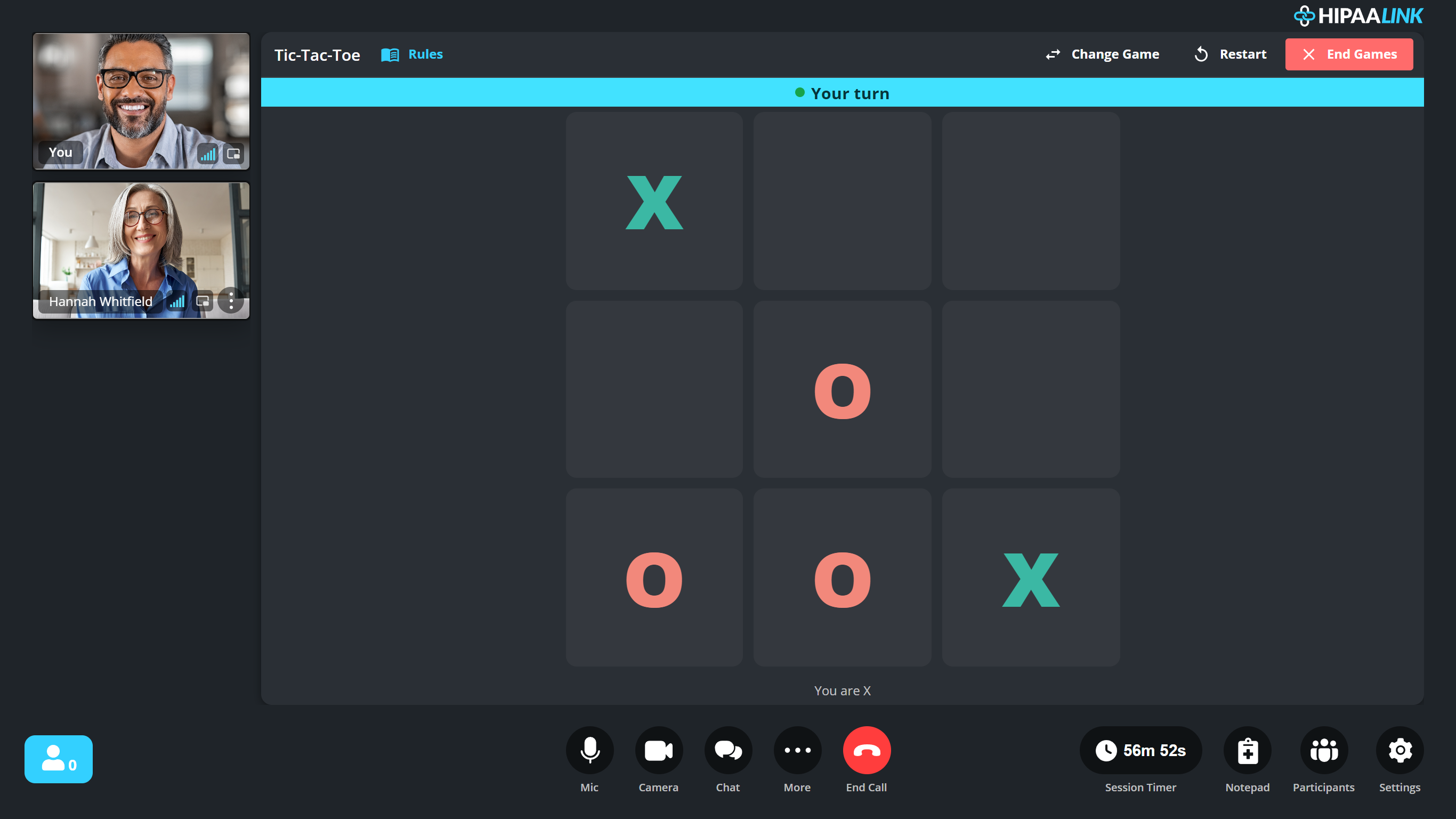
The game takes the room rather than sitting beside the video: the two of you become small tiles down the left, the same as the whiteboard. The banner across the top of the board names whose move it is, and the line underneath says which mark is yours.
What is there
Eighteen games, in four groups. The group headings and the order below are the ones the launcher itself uses, so the list reads the same way the picker does.
Board & Strategy
Tic-Tac-Toe, Ultimate Tic-Tac-Toe, Connect 4, Gomoku, Reversi, Checkers, Chess, Dots and Boxes, Mancala and Nim.
Card Games
Uno, Crazy Eights, Go Fish and War.
Guessing & Memory
Memory, Hangman and Battleship.
Role-Playing (TTRPG)
Dice Roller, which is the one game that seats more than two. It has its own section below.
Tic-Tac-Toe and Uno are the two most reached for.
The game tells you whose move it is with Your turn and Their turn.
The Dice Roller
Dice Roller is the one game that is a table rather than a contest. It runs a shared set of dice for tabletop roleplay in a session, and it is the game most worth setting up before you start.
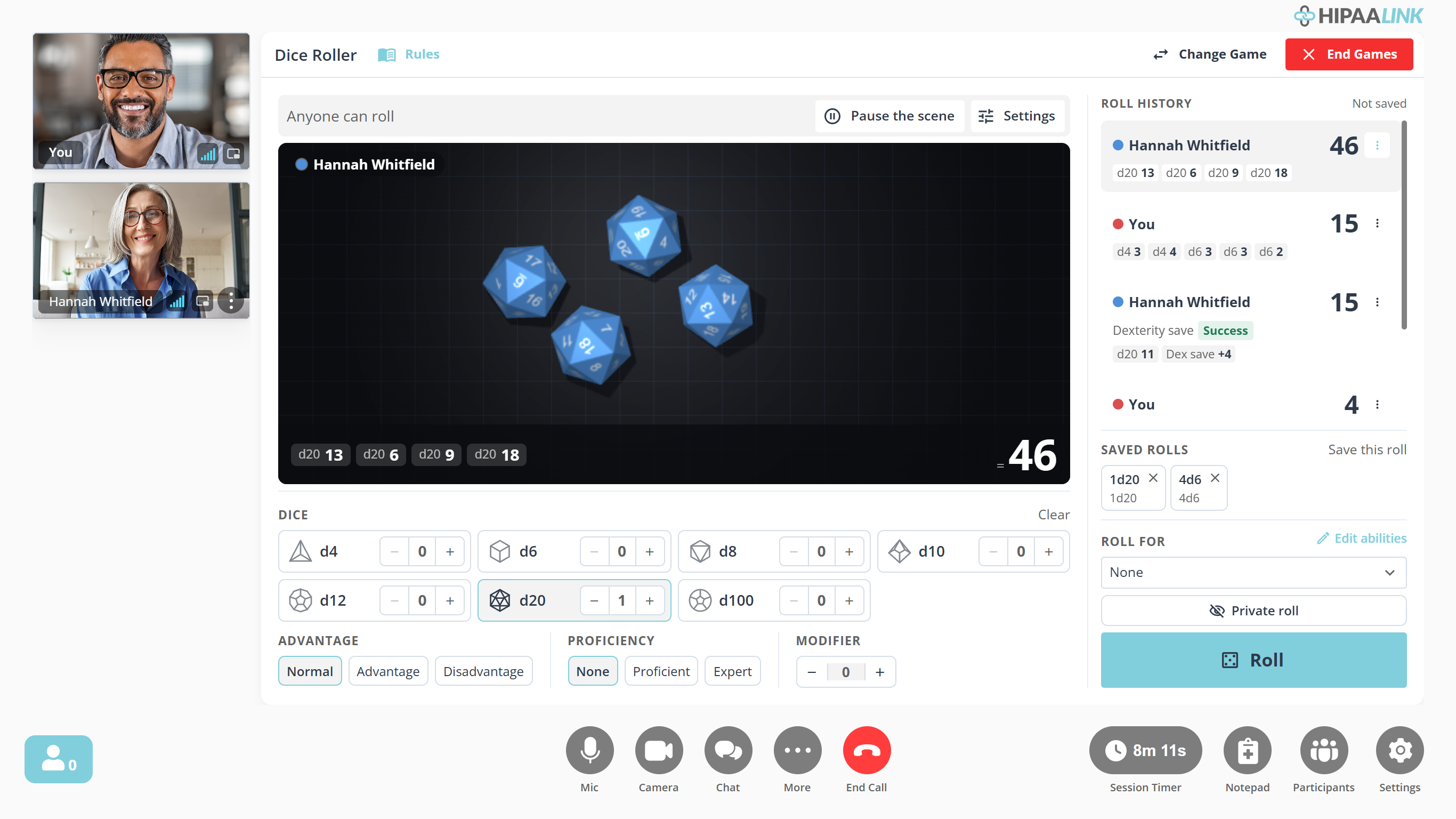
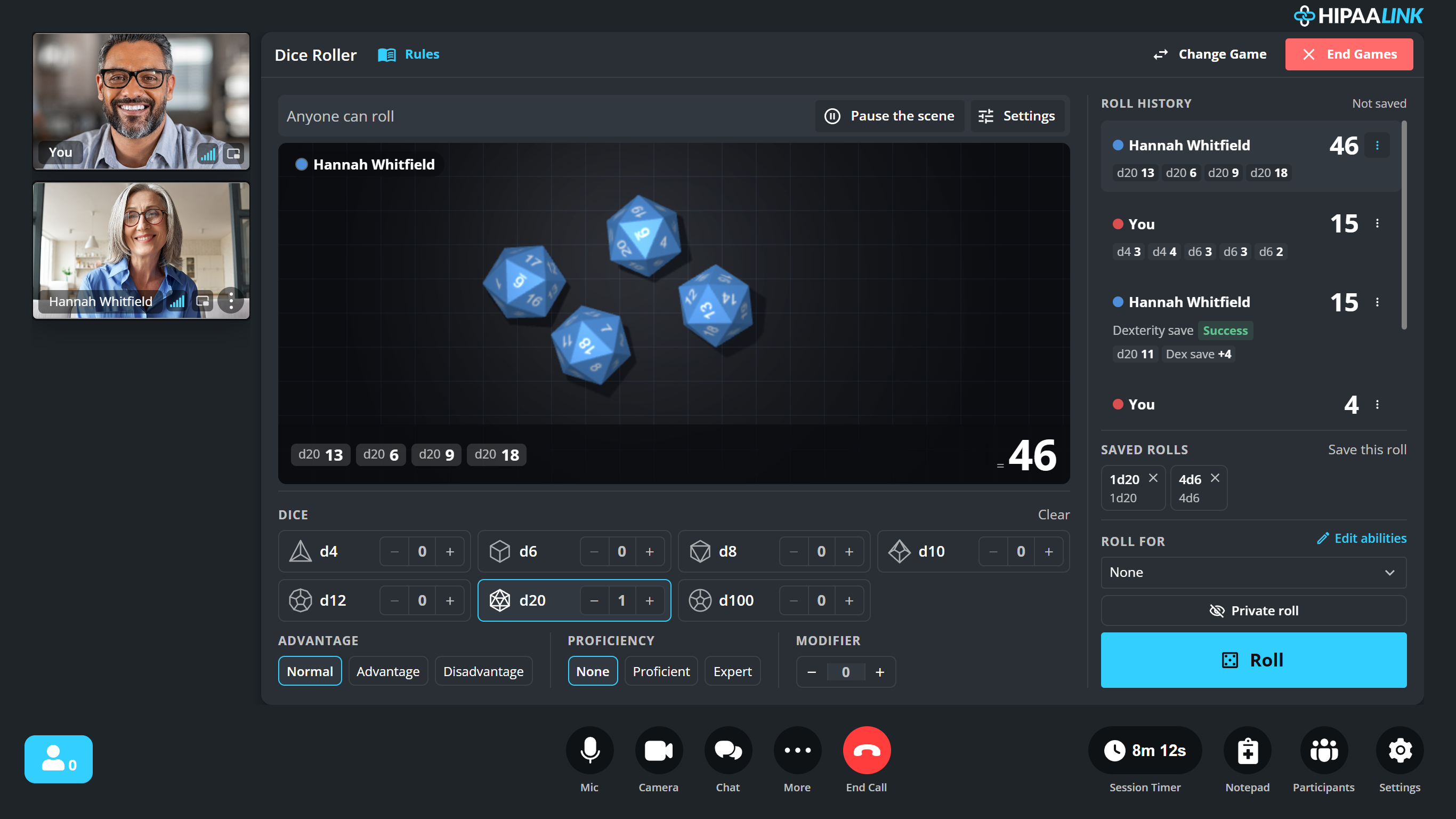
Everyone at the table sees the same throw. Roll history keeps what was rolled rather than only the total, so a result can be checked afterwards, and a roll made against an ability shows whether it passed.
Set the table first
Settings is where the session is shaped.
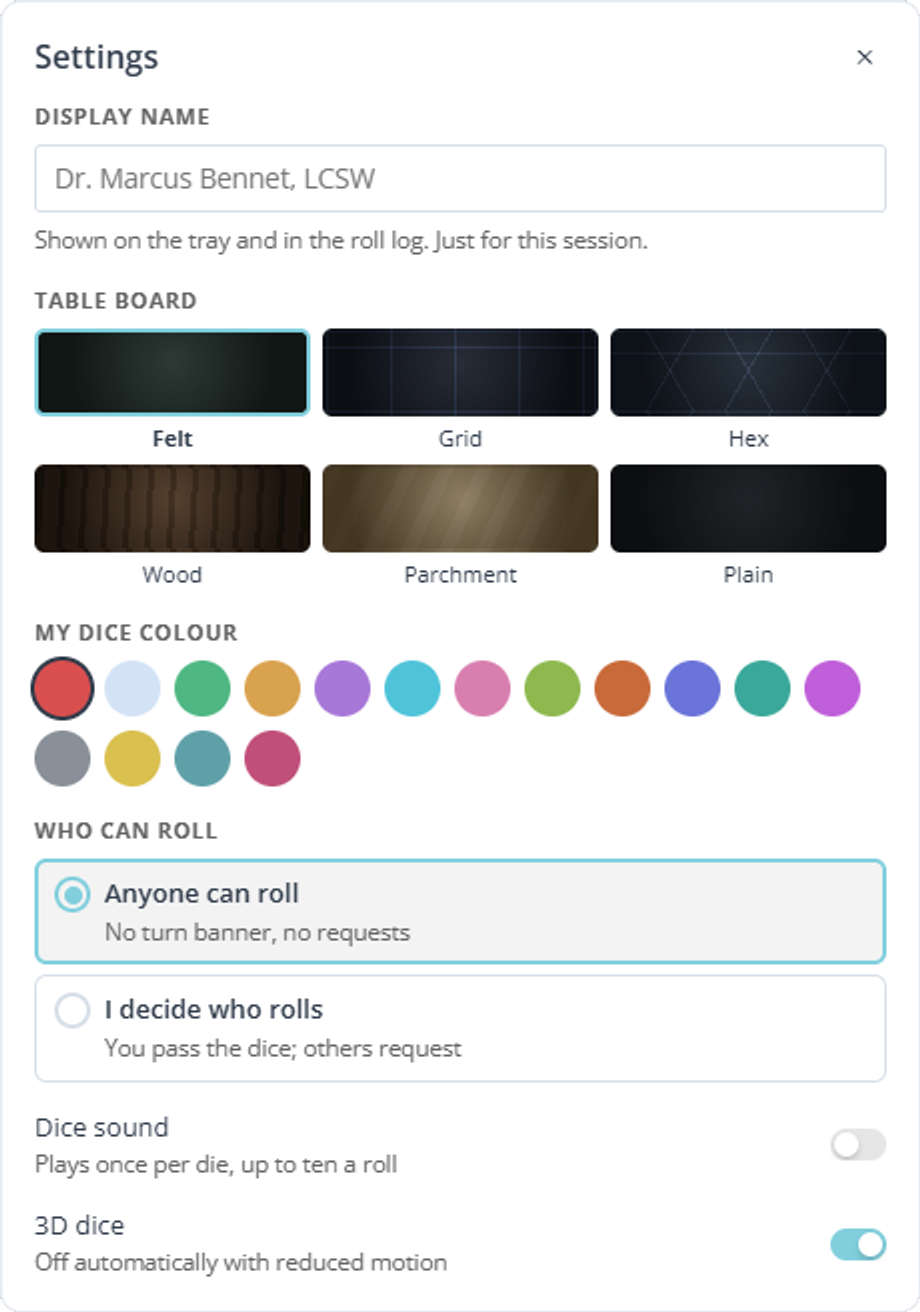
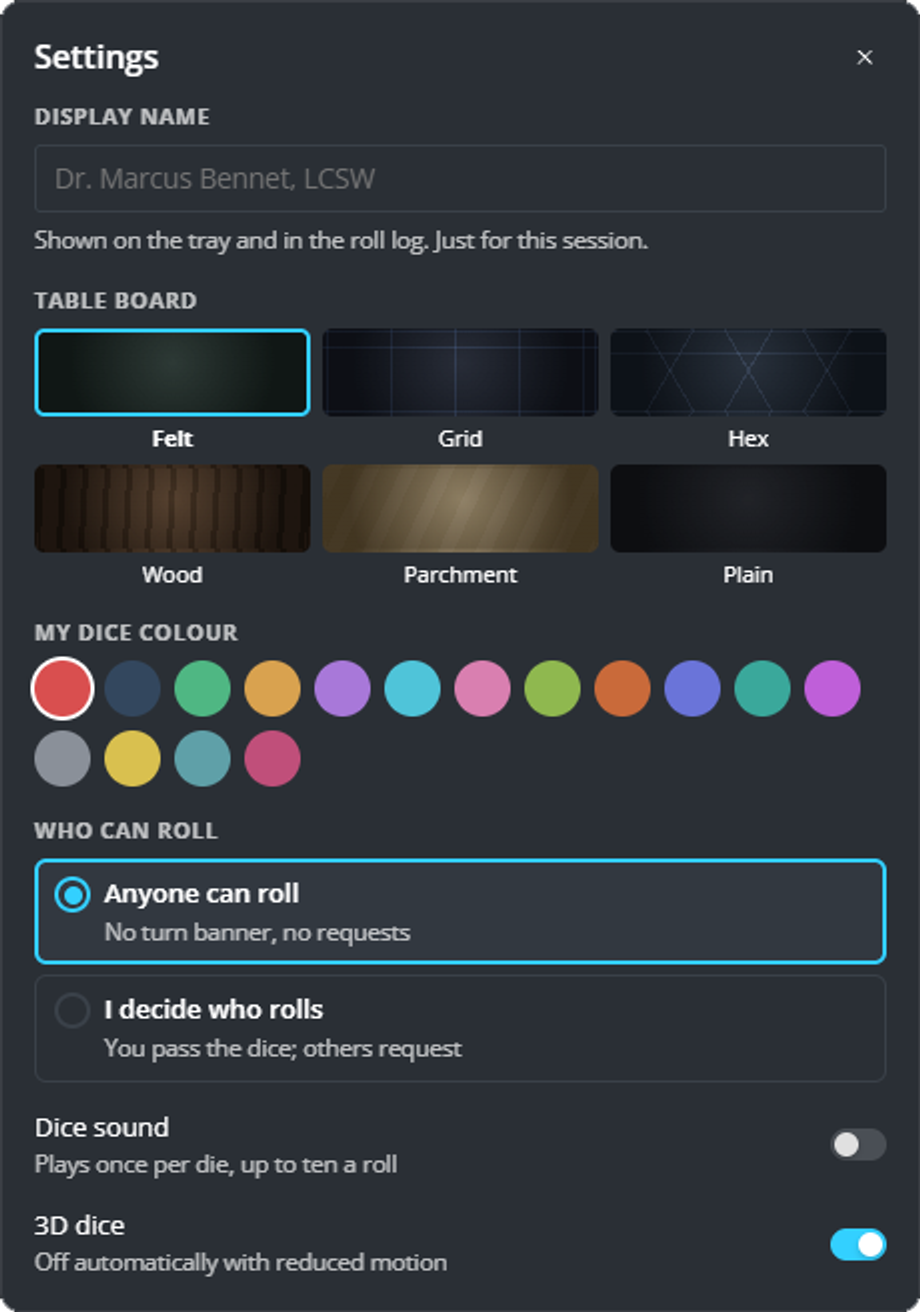
- Display name is the name on your dice and in the history. It lasts for this session only, so a clinician can sit at the table as a character.
- Table board is the surface the dice land on.
- My dice colour is how the table tells one player’s dice from another’s. The same color marks that person’s entries in the history.
- Who can roll is the one that changes how the session runs. Anyone can roll lets anybody throw at any time. I decide who rolls gives you the dice and makes others ask for them, which is what you want when the rolling itself needs pacing.
While the scene runs
- Pause the scene stops the table without ending it.
- Private roll keeps a result to yourself.
- Save this roll keeps a combination you use repeatedly, and it reappears under Saved rolls to be thrown again in one select.
- Edit abilities sets the modifiers a roll can be made against, so a save is scored for you rather than in your head.
During a game
Bringing another person into the call ends the game for everyone in it, whichever game is running: each one seats a fixed number and the new arrival does not fit. You are asked to confirm first, and the call itself carries on. Settle who is playing before you start.
- Restart starts the same game again.
- Change Game swaps to a different one without closing the panel.
- Close ends it for both of you.
Turning it on
In-Call Games is an organization setting, under Account Settings › Games, and a clinic admin sets it. There are two switches and they work in order:
- Activate feature turns games on for the clinic. Until it is on, nobody has them, and the second switch reads Activate first.
- Allow staff access decides who may use them. Allow non-admin staff to launch games in their calls.
If there is no Games in your More menu, one of those two is off.