
Share your room link
Where to find your link, and how clients use it to reach you.
- Who can use it
- All staff
Your link is on your dashboard, under My Room. There are two ways to get it to a client: Copy link puts it on your clipboard to send however you already contact them, and Send invite has HIPAA LINK send it for you.
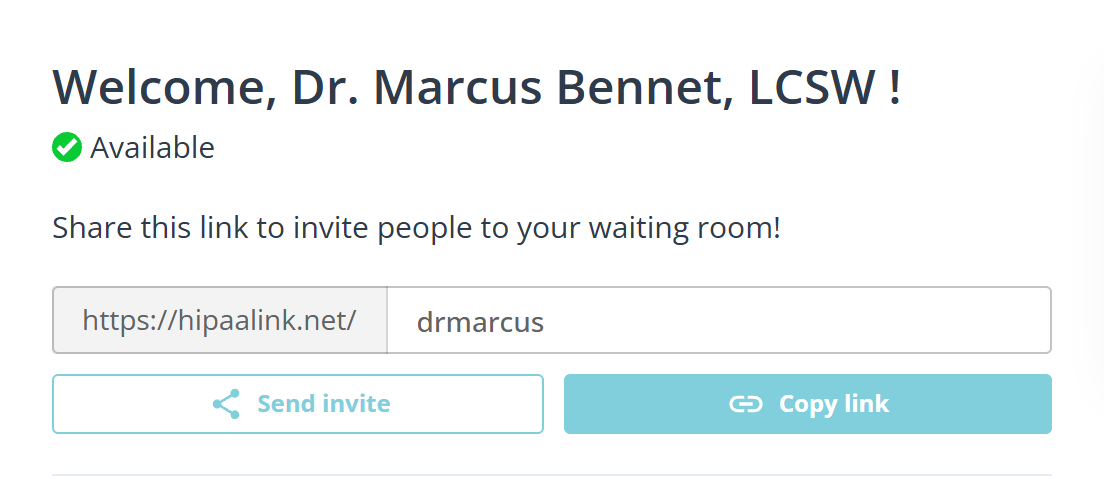
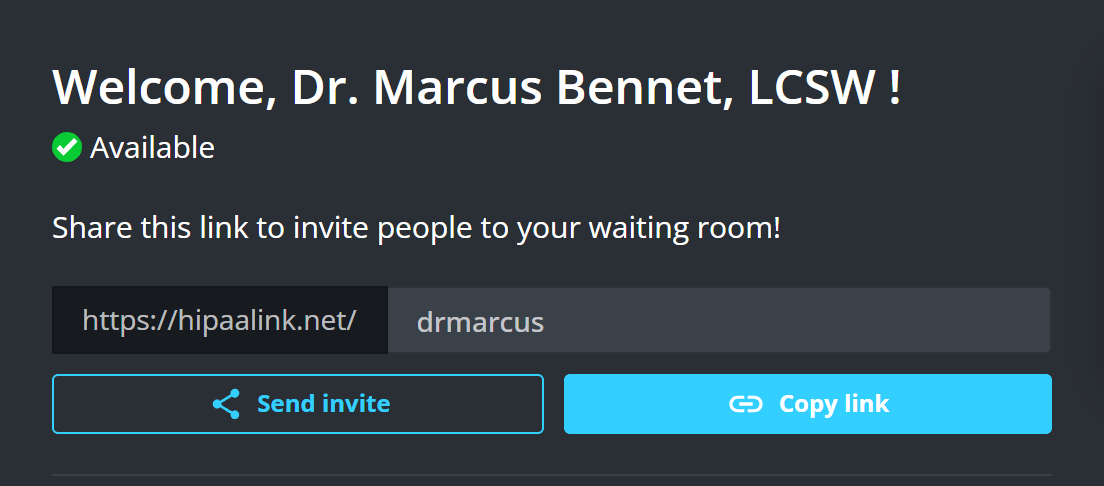
The grey part of the field is fixed. Only the room name after it is yours, and it is what makes the link yours.
Have it sent for you
Send invite opens a dialog that writes the message and the link, and sends it by email, by text message, or as a calendar appointment. The wording and the link are filled in already, and you can set the language it is written in.
It is the same dialog you get during a call, so the three ways to send it are described once, in Invite someone else to a call.
Where to put it
Put it in the appointment reminder you already send, so it arrives with the time rather than separately. Clients lose a link sent on its own days earlier.
The same link works every time, so a client who keeps the email can use it again.
What a client does with it
They open it, type their name, and wait. There is nothing to install and no account to create.
They appear in your queue the moment they check in, and you are notified.
Send them Join your appointment if they have not used video visits before.
What to know
- The link works on a phone, a tablet and a computer.
- It does not expire and cannot be used up.
- Anyone with the link can check in. It is an address, not a password, so treat it as public and rely on the waiting room, where you decide who you admit.