
Choose your call starting sound
A tone that plays when a call begins, so a client who looked away knows you have arrived.
- Who can use it
- All staff
- Where
- Account SettingsMy ProfileRoom Settings
A tone plays in the waiting room when a call begins.
A client waiting with the tab in the background will not see the call start. A tone is what reaches them.
Choose it
- Open Account Settings › My Profile › Room Settings.
- Under Waiting room & call start, pick a Ringtone. There are six, and None turns the sound off.
- Set Who hears it.
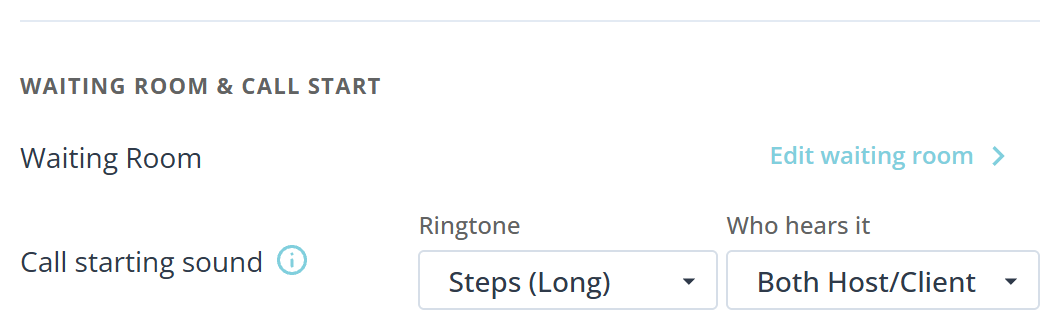
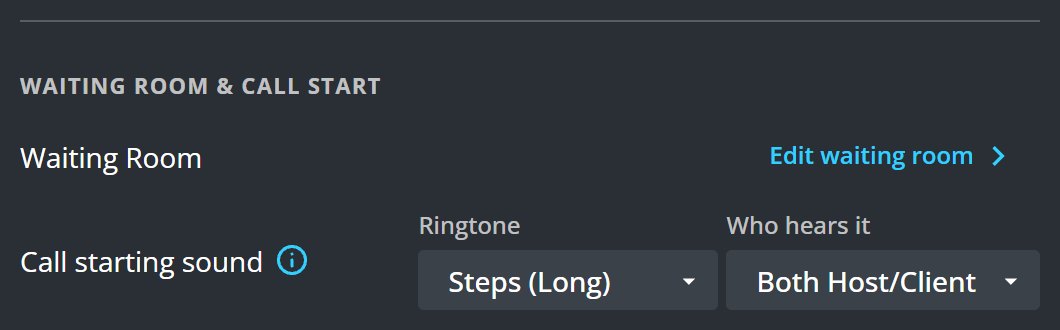
There is no Save on this row. The choice takes effect as you make it.
Who hears it
- Both Host/Client plays for you and for the client.
- Client Only plays only for the client. Choose this if you see several clients in a row and the tone becomes noise to you.
- Host Only plays only for you.
What to know
- A client whose device is muted hears nothing, whatever you choose here.
- Three of the six are marked Long and three Short. The long ones carry better to somebody in another window; the short ones are less likely to startle.