
Set up fax
Turn fax on, choose a plan, and get a number that can receive as well as send.
- Who can use it
- Clinic admins
- Plans
- All plans
- Where
- Account SettingsFax
Fax lives under Account Settings › Fax, with INBOX, SENT and SETTINGS tabs.
Turn it on
Until fax is switched on the page is a single card offering it.
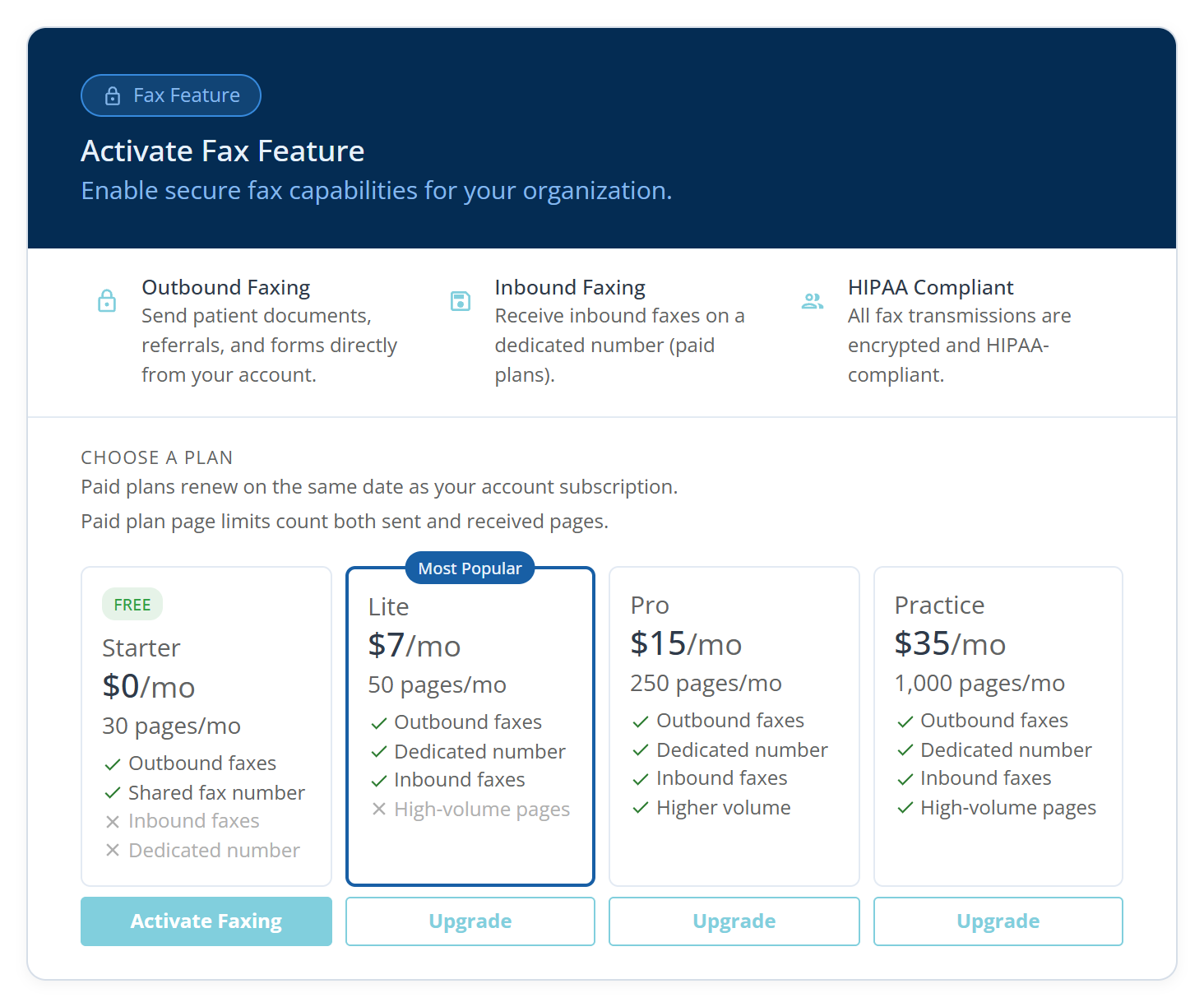
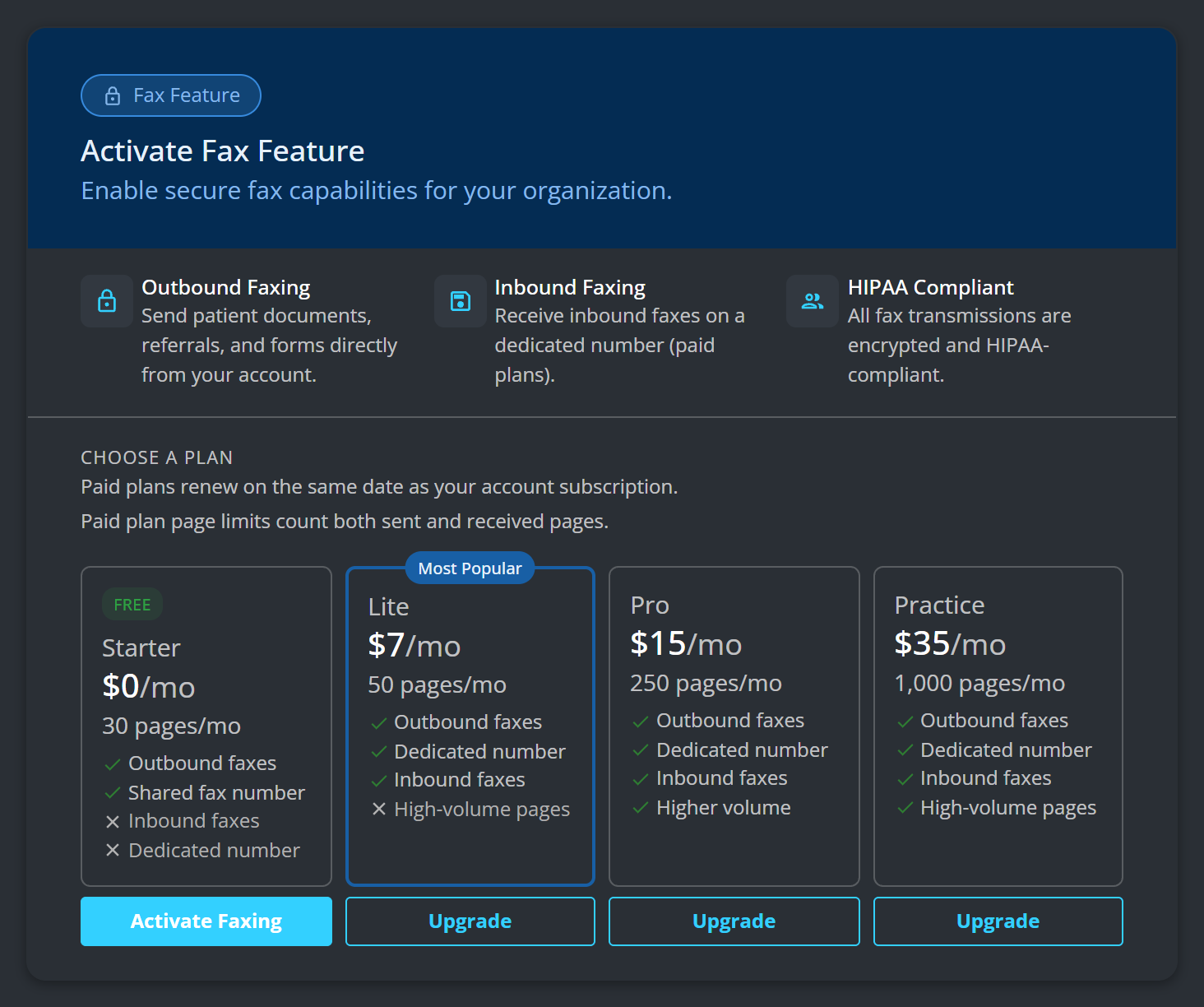
Activate Faxing switches the free plan on straight away, and you are told what you have: “Faxing activated. You now have 30 pages/month.” Nothing is charged and no card is asked for.
Sending works before receiving does
You can send as soon as fax is active. Receiving needs a number of your own:
Inbound faxes require a dedicated fax number. Upgrade your plan to receive faxes.
Until then the inbox shows Inbound Faxes Locked.
Choose a plan
There are four, and the first one costs nothing.
- Starter, free: 30 pages a month, outbound only, on a Shared fax number. See The free fax plan for what it does and does not do.
- Lite — 50 pages/mo ($7/mo)
- Pro — 250 pages/mo ($15/mo)
- Practice — 1,000 pages/mo ($35/mo)
Everything above Starter adds a Dedicated number and with it Inbound faxes.
Choose by monthly page count. On a paid plan that count covers sent and received pages together. Starter’s 30 are outbound only, because there is nothing to receive on a shared number.
Paid plans renew on the same date as your account subscription.
A practice sending a handful of referrals a week is on Lite; one faxing records to insurers is not.
The three paid buttons open a checkout and take payment, so a paid plan starts as soon as it is paid for. See Change or cancel your fax plan.
What to know
- My Fax Number on the settings tab is the number to give out.
- A dedicated number is not instant even though the payment is: We are setting up your dedicated fax number. You will receive an email as soon as it is ready — typically within 24 hours.