
Receive a fax
Where incoming faxes land, and how to know one has arrived.
- Who can use it
- All staff
- Plans
- Paid plans
- Where
- Account SettingsFax
Incoming faxes arrive in INBOX, listed by From and Date Received.
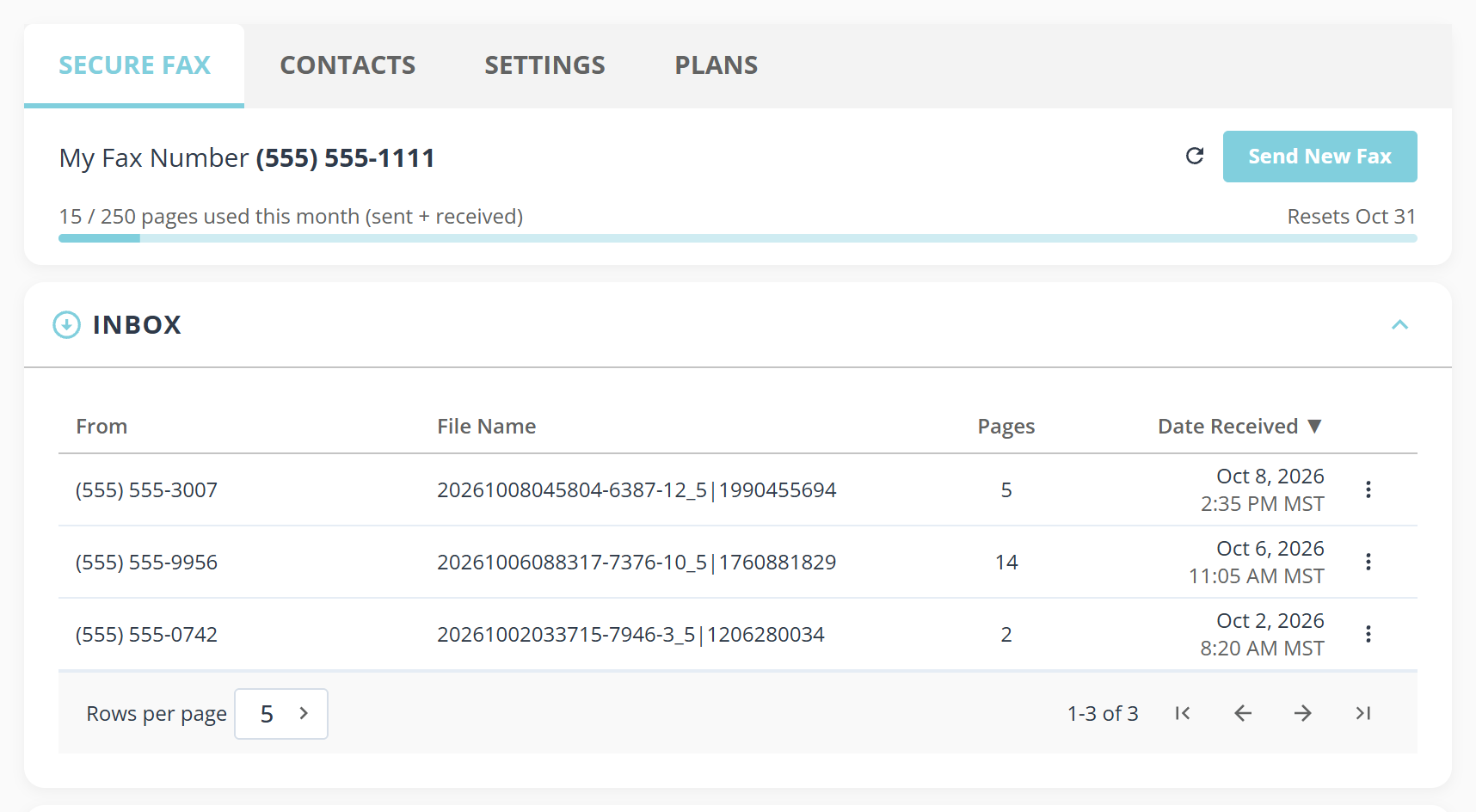
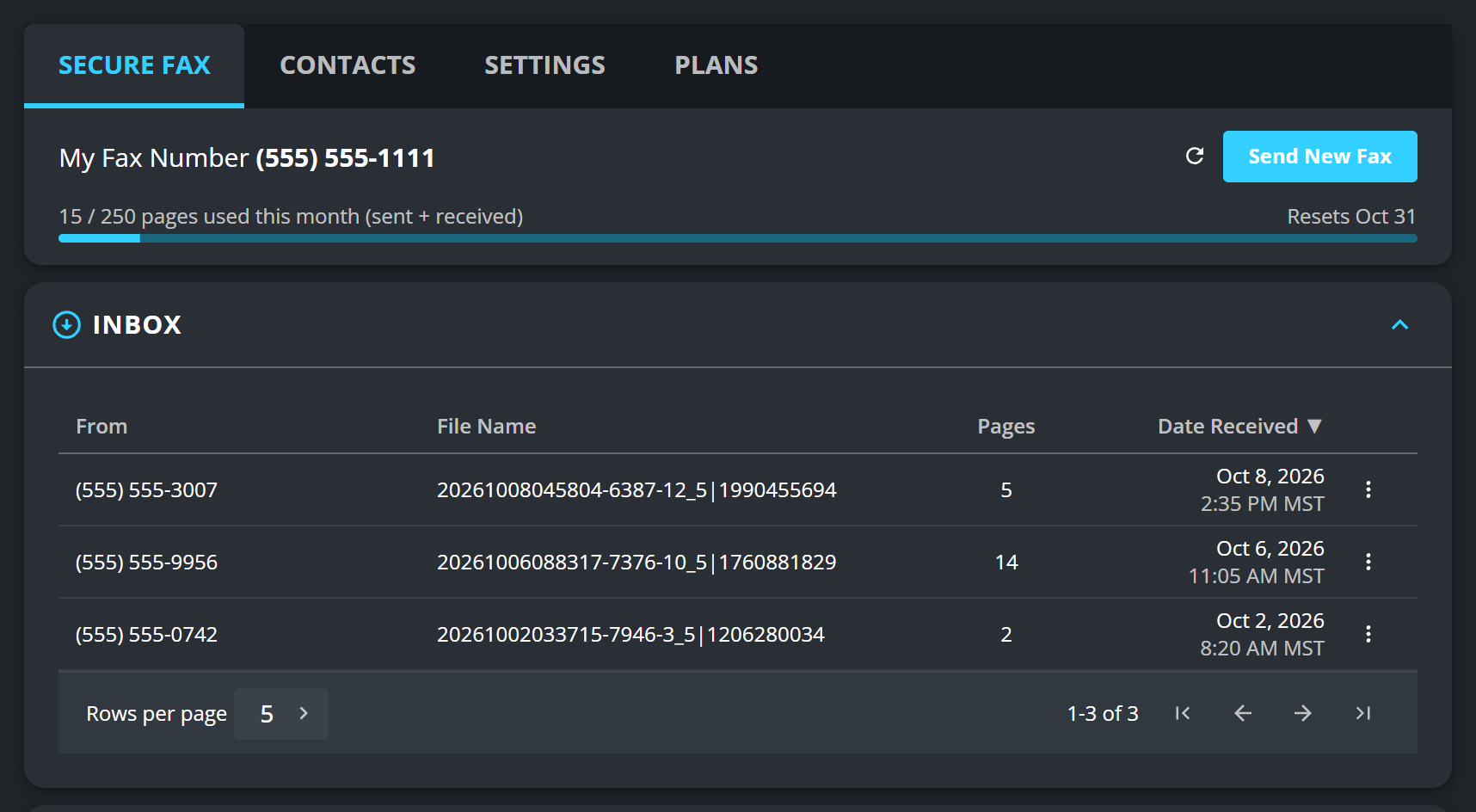
My Fax Number at the top is the number to give out. It arrives with the plan, and until you have one there is nothing to receive on.
The bar beside it counts sent and received pages together against your monthly allowance, so a long fax arriving uses the same budget as a long one going out.
Refresh received faxes checks again without reloading the page.
What a row tells you
From is the sending number, which is all a fax carries: there is no sender name unless they put one on a cover page. Pages and Date Received follow, and the three dot button at the end of the row opens it, downloads it or deletes it.
The file name is generated, not chosen by the sender, so it describes nothing. Open the fax to find out what it is.
Be told when one arrives
Notify me by email on the settings tab emails you on arrival. Worth turning on: an inbox nobody opens is the usual reason a referral sits for three days.
If the inbox is locked
Receiving needs a dedicated number, which comes with a paid fax plan. See Set up fax.
What to know
- Faxes can be deleted from the list, and you are asked to confirm how many first: “Delete 3 selected fax(es)?”
- A fax that is no longer stored cannot be downloaded, and the row says so when you try. Save anything you need to keep.
- The list is the clinic’s, not yours alone, if staff access is turned on. See Let staff use fax.