
Change or cancel your fax plan
Upgrade, downgrade or cancel from the Plans tab, and what each one does to your number.
- Who can use it
- Clinic admins
- Plans
- Paid plans
- Where
- Account SettingsFax
All of this is self service. Open Account Settings › Fax and the PLANS tab.
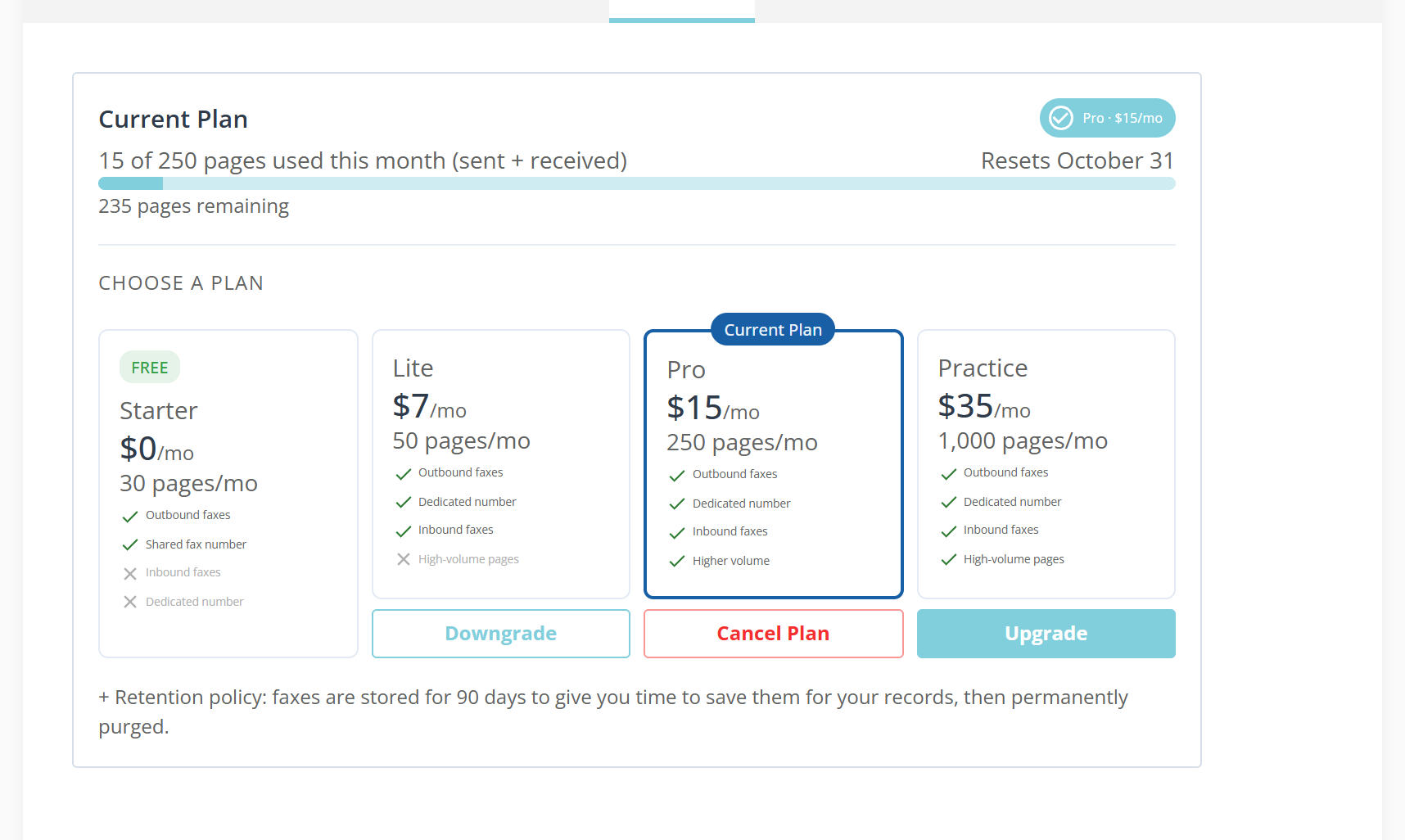
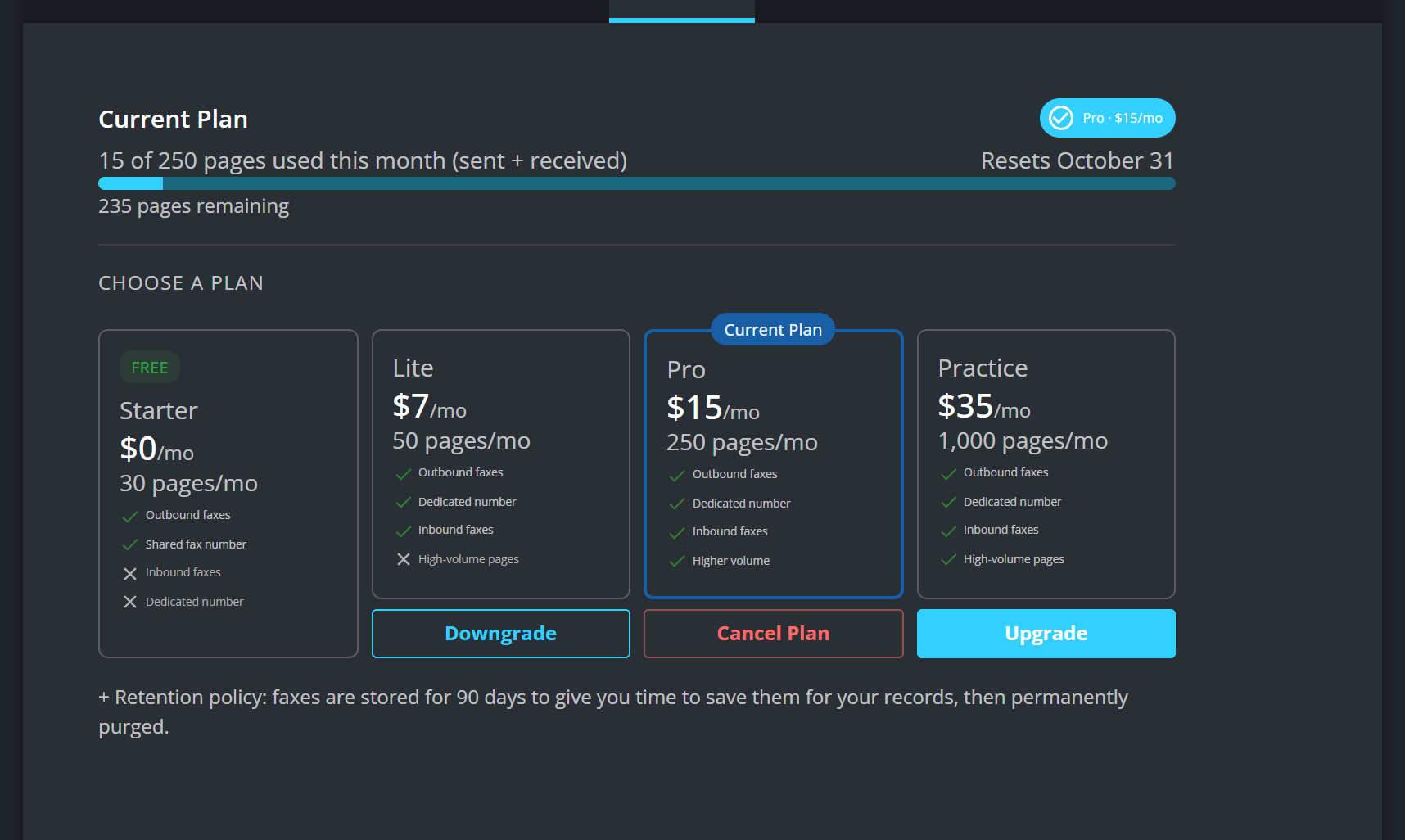
The card at the top is the only place that shows what you have used: 15 of 250 pages used this month (sent + received), with a reset date beside it.
Move up
Upgrade on a dearer plan opens a checkout and takes payment. The plan changes as soon as it is paid for.
The number that comes with it does not arrive at the same moment: We are setting up your dedicated fax number. You will receive an email as soon as it is ready — typically within 24 hours.
Move down
Downgrade on a cheaper plan asks first: “Are you sure you want to downgrade from Pro to Lite? Your plan will automatically downgrade on October 31 and be charged $7/mo.”
It is scheduled, not immediate. The card shows Downgrade Pending until the date arrives and you keep what you are paying for until then. Changing your mind removes it: Downgrade cancelled. Your Pro plan will continue.
Cancel
Cancel Plan does not switch fax off. It drops you to Starter: Your Pro plan will remain active until October 31, then revert to Starter.
The dialog names what goes with it: Inbound fax delivery to your dedicated number, Your dedicated fax number and Higher monthly page limits.
Until that date it is reversible. Keep Plan removes the request: Your cancellation request will be removed. The Pro plan will continue to renew automatically on October 31.
What to know
- Faxes are not kept forever. Faxes are stored for 90 days. Save anything that belongs in a record before then.
- Going over the monthly allowance does not stop you at once. Faxes keep sending on your plan overage buffer, and past that the next one is refused and says how many pages short you are. See Send a fax.
- An account billed by invoice cannot change plan from this page, and the buttons are disabled. Contact support instead.