
Message a client before the call
Write to somebody waiting, without starting the call.
- Who can use it
- All staff
- Where
- Account SettingsMy ProfileNotifications
Select Chat on a client’s row to open a message thread with them. They can reply from their waiting room.
Use it to say you are running ten minutes late, to ask them to switch to headphones, or to check they can see the page at all.
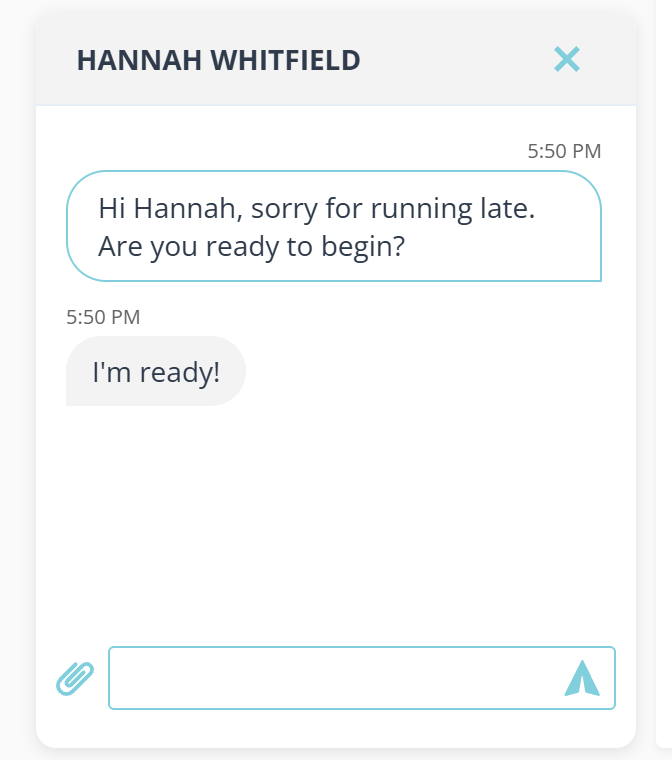
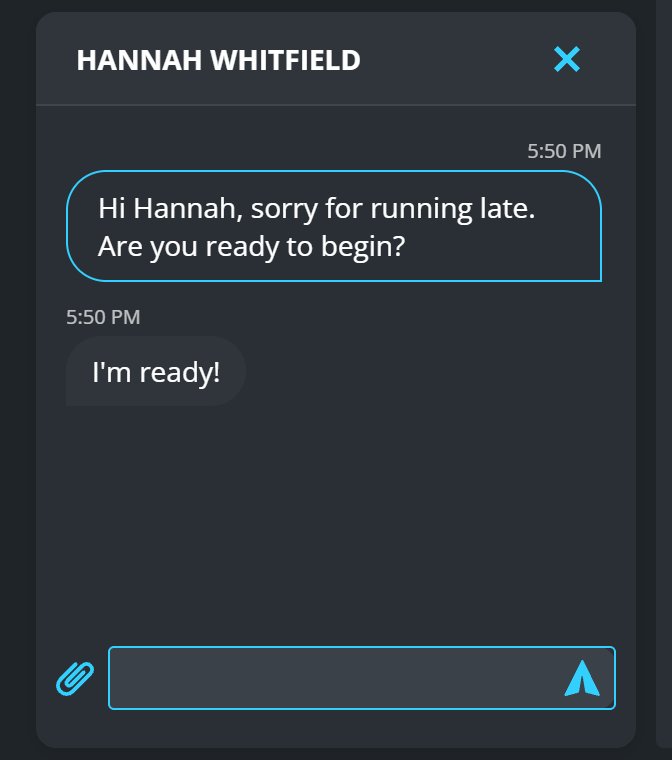
The window opens over the lower left of your dashboard and stays there while you work. The cross at the top closes it without ending anything: the thread is still there when you open it again.
The paper clip beside the box attaches a file.
If you do not see the button
Chat appears only when Receive waiting room messages is on. Turn it on in Account Settings › My Profile › Notifications.
Receive messages from your queue during meetings.
What to know
- The thread belongs to this visit. A client who leaves and checks in again starts a new one.
- In a shared room, messaging needs a claim first. Until someone has claimed the client there is nobody for the message to be from.
- An unread reply shows as a count on the button.