
Work a shared queue
Claim a client from a shared room so everyone knows who has them, and hand them back when you are finished.
- Who can use it
- Room members
- Plans
- Paid plans
Every member of a shared room sees the same queue (the list of clients waiting). Claiming is how one member takes responsibility for one client.
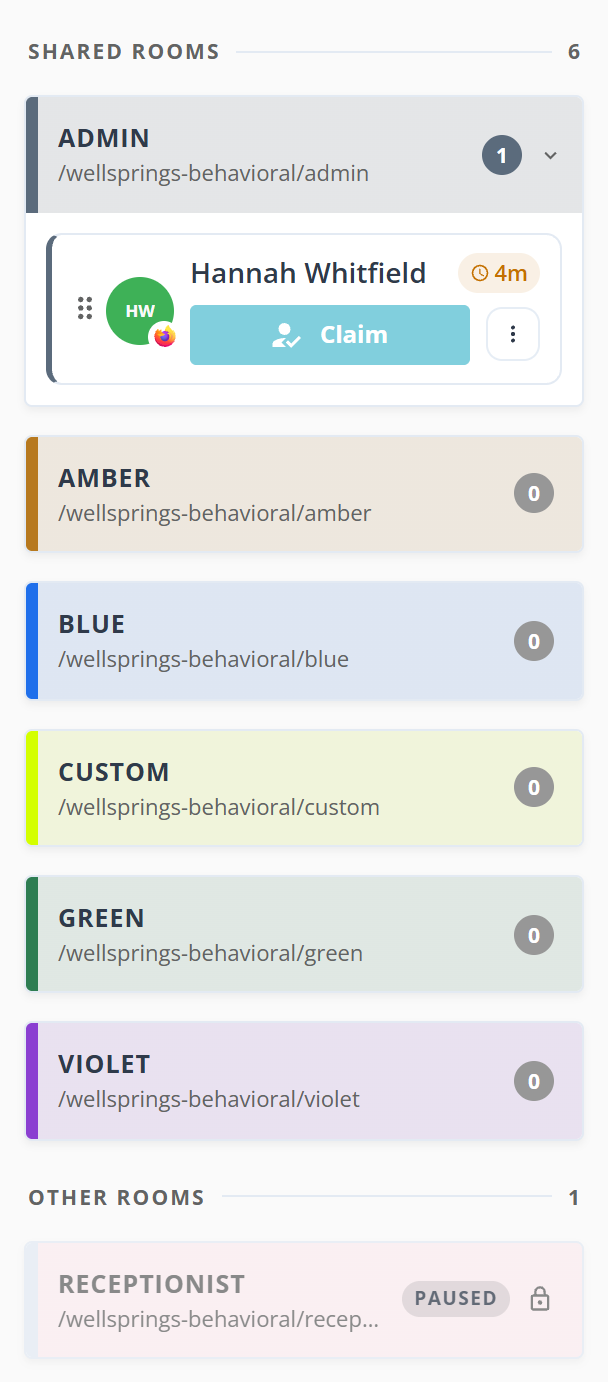
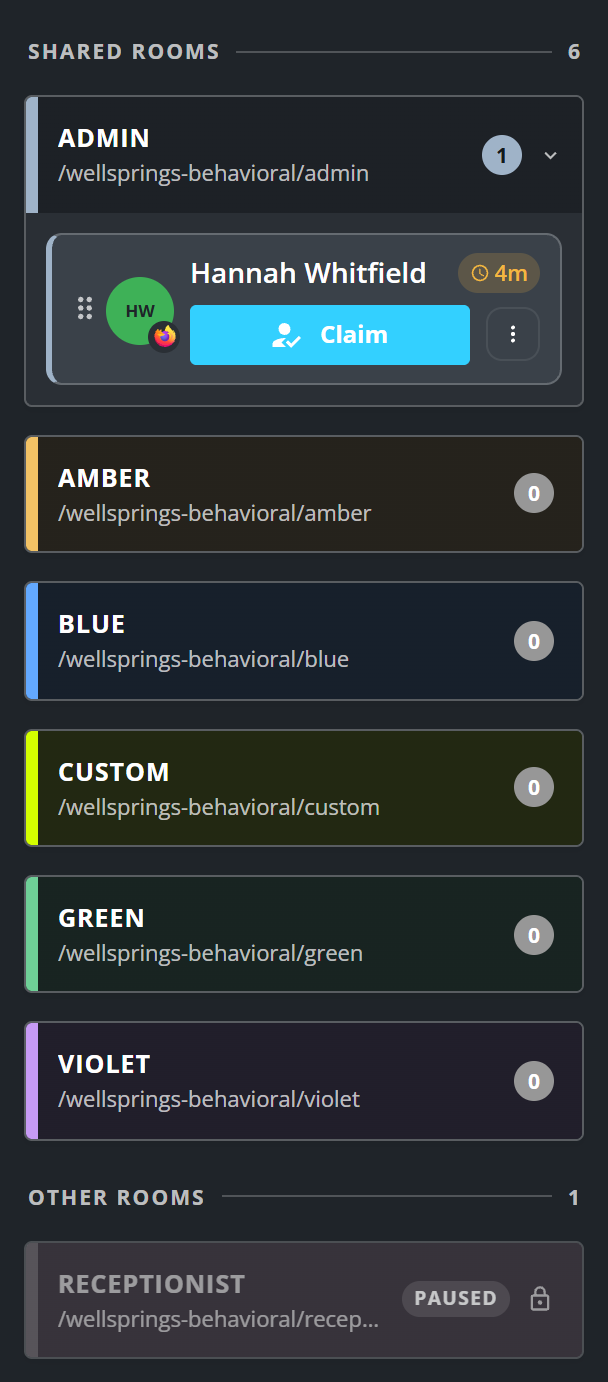
Until a client is claimed, nobody can start a call with them or message them. Claim is the only button on the card, so two members cannot call the same person at once.
Claim a client
- Find the client under the room’s card in your queue.
- Select Claim.
- Select Start call when you are ready.
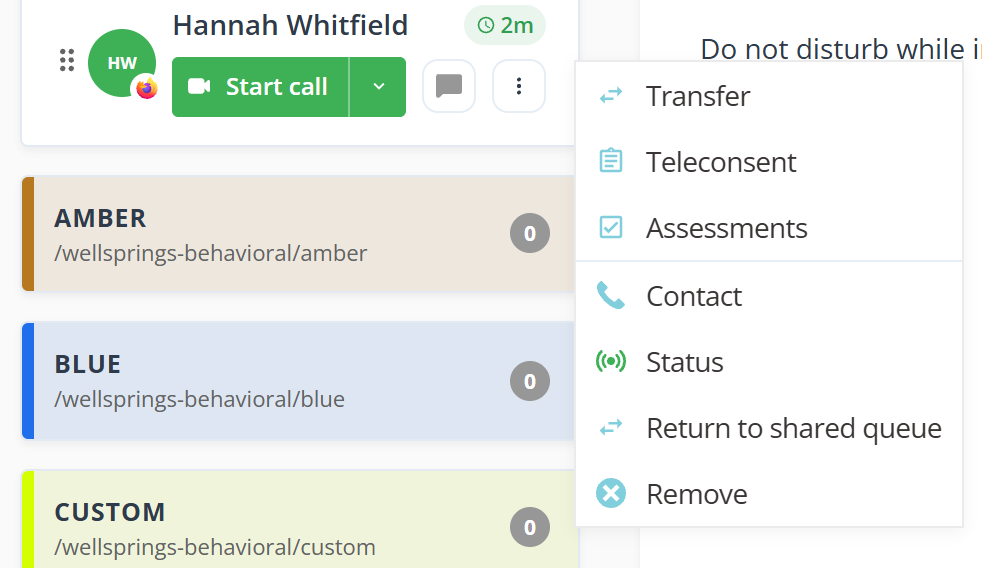
The card becomes a row with the full set of actions, in the same place on the same room’s card. The client sees your name and a button to message you.
Starting a call takes the client out of the queue for every member of the room, not only yours.
Each room card carries its own count, so you can see where people are waiting without opening anything. Other Rooms at the bottom is the rooms you are not a member of: they show a padlock, no count, and nothing to claim.
Return a client to the shared queue
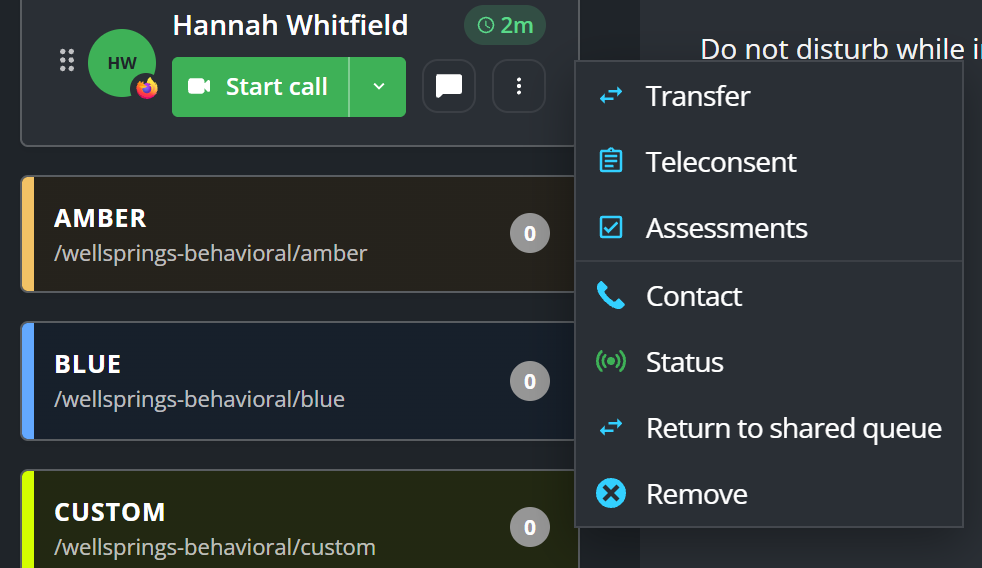
- Select the dot menu on the client’s row.
- Select Return to shared queue.
They go back to the room unclaimed, and they keep their place in line. Their screen returns to You're checked in, and the message button disappears. See See what your client sees.
Return to shared queue sits next to Remove in that menu, and the two do opposite things. One hands the client back to your colleagues; the other takes them out of the queue altogether.
What to know
- If two members select Claim at the same time, one of you gets the client. The other sees who took them, and the card then clears itself.
- The time on an unclaimed card counts from check-in, or from the last time someone returned the client to the queue. The time on a claimed row counts from the claim, so it reads as how long that client has been with that member.
- The dot menu’s Status dialog shows the total time since the client checked in, which is the number the card does not show.