
Release a client someone else has
Hand a client back to the shared queue when the member holding them cannot continue.
- Who can use it
- Room members
- Plans
- Paid plans
A claim lasts until the member holding it returns the client, starts a call, or closes their tab. There is no timer. So a member called away mid shift leaves a client nobody else can act on.
Any member of the room can take that client back.
A card held by somebody else says so and offers nothing else. There is no Claim, no Start call and no dot menu, because those belong to the member who has them.
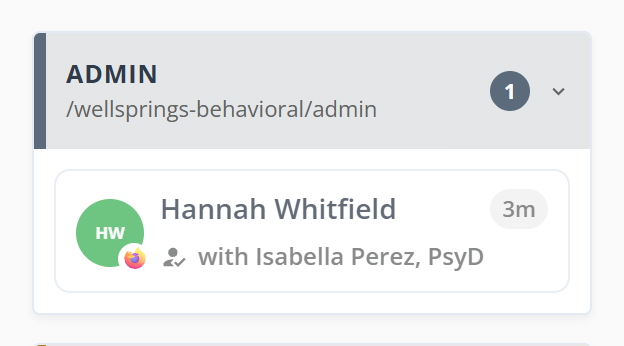
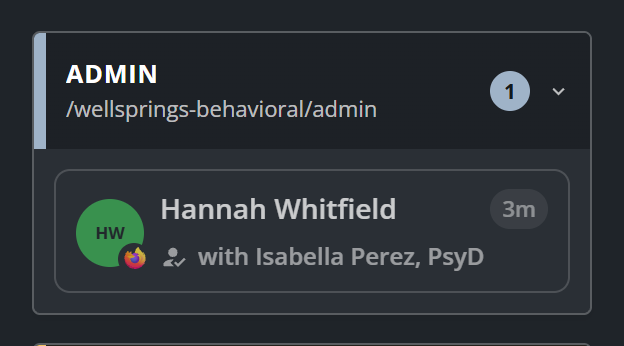
Release a client
- Point at the client’s card. The card dims and one button appears.
- Select Release.
- Confirm.
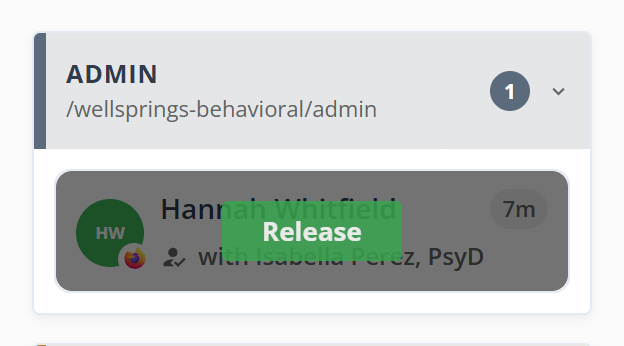
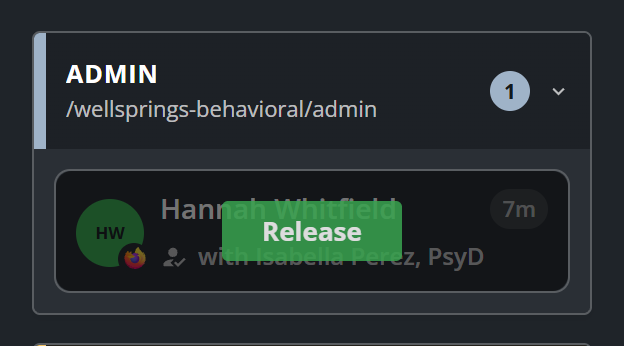
Release exists only on the hover. It is kept out of the card’s resting state deliberately, because taking a client off a colleague is an override rather than a routine control, and a button sitting there permanently would not read that way.
The dialog names the member who has the client, so you can check before you take them.
The client returns to the room unclaimed and keeps their place in line. Anyone, including the member you took them from, can claim them again.
What to know
- The client’s screen goes back to You're checked in, and the message button disappears until someone claims them again.
- Messages already sent stay with the client, so the next member to claim them can read what was said.
- A client who is already in a call is not in the queue at all, so there is nothing to release.