
Your invoices
Find a receipt, check what you were charged, and download it.
- Who can use it
- Clinic admins
- Where
- Account SettingsBilling
Open Account Settings › Billing, then Invoices.
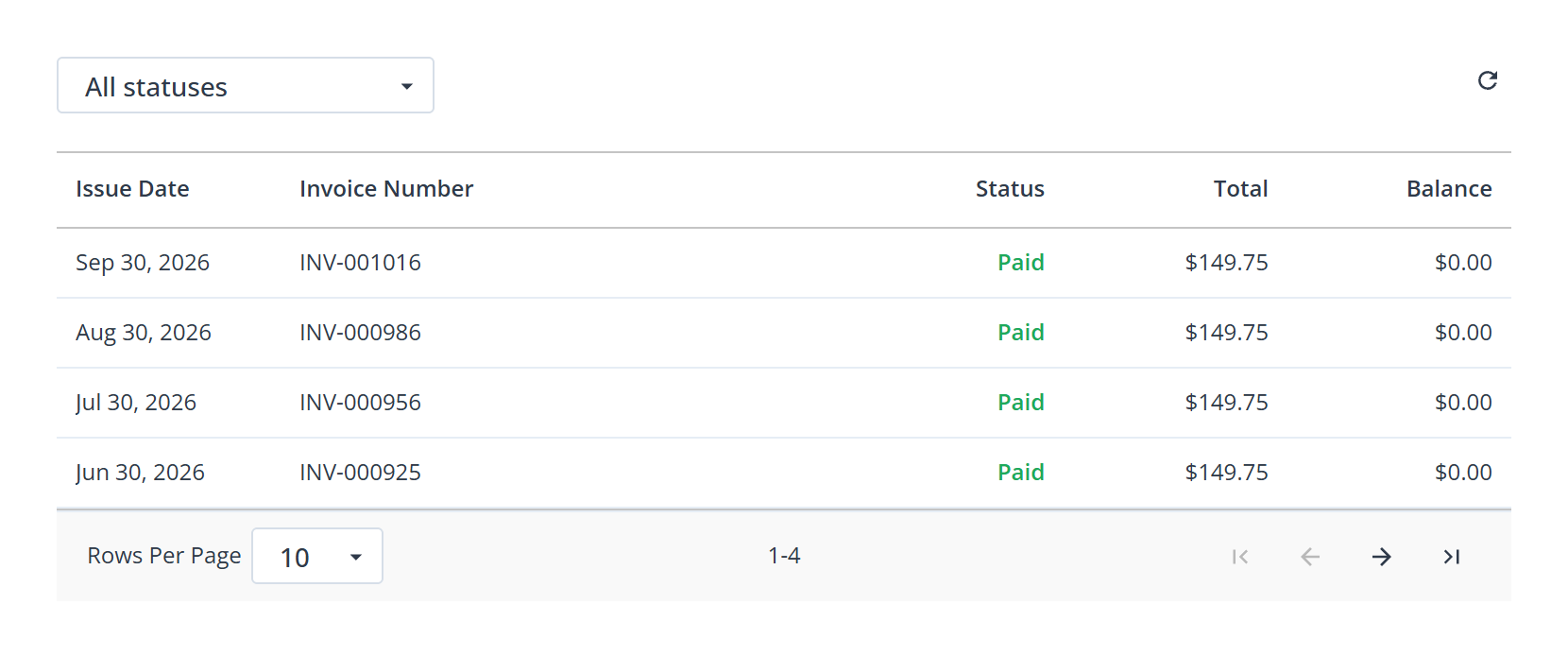
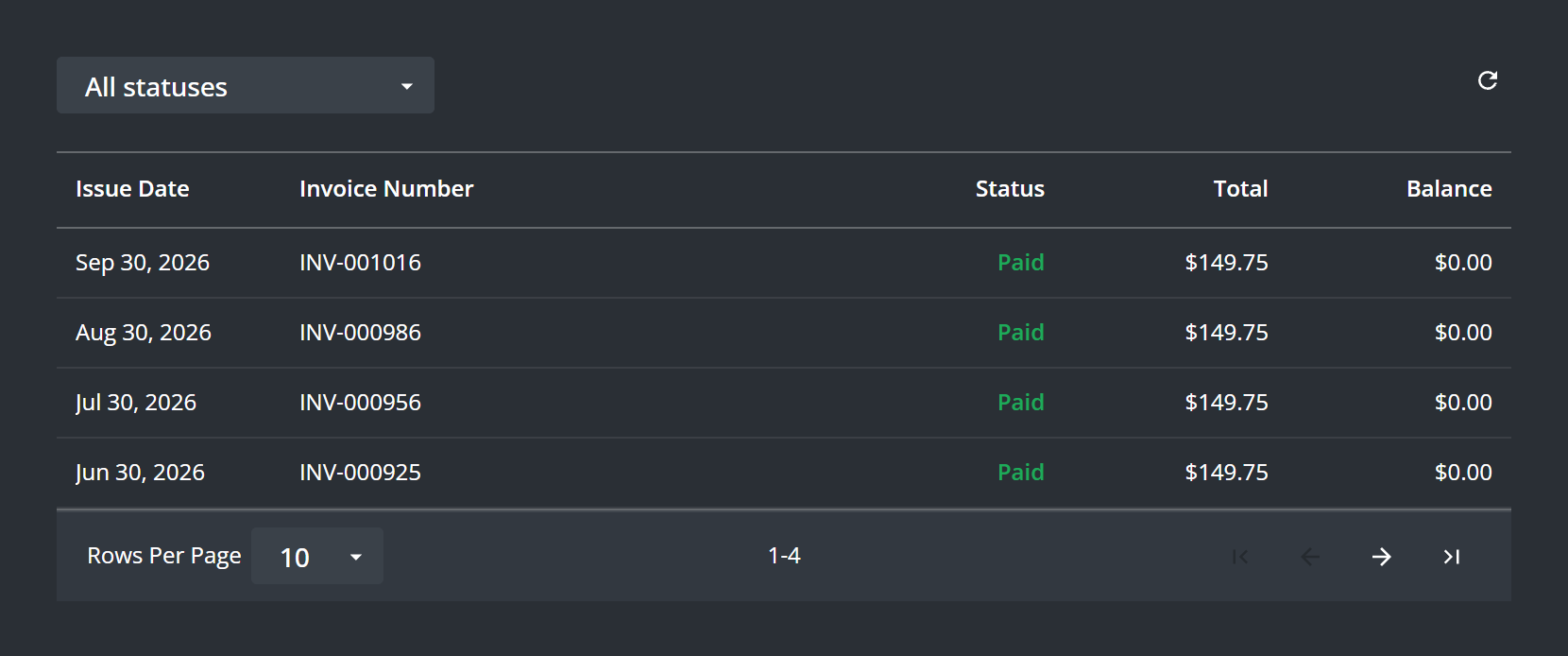
Each row shows an Invoice Number, its Issue Date, the Status, the Total and the Balance. Filter by status, or use All statuses to see everything.
Refresh fetches again if a payment you have just made is not showing.
Open and download one
Select anywhere on an invoice row. The invoice opens in a new browser tab, where you can download or print it with your browser’s own controls. Nothing downloads from the row itself, so the tab is the only route to a copy.
A row that cannot be opened says “Preview Not Available” instead, which means that invoice has no document behind it yet rather than that something has gone wrong.
If the list is empty
No Invoices Found means nothing has been billed to this account yet, which is expected on the free plan and during a trial.
What to know
- Invoices are the organization’s, so only a clinic admin sees them: Contact your Administrator for Billing info.
- Download the ones your accountant needs rather than relying on them being here forever.