
Your documents
Upload handouts and forms once, then send them in any call.
- Who can use it
- All staff
- Plans
- Paid plans
- Where
- Account SettingsDocuments
Open Account Settings › Documents.
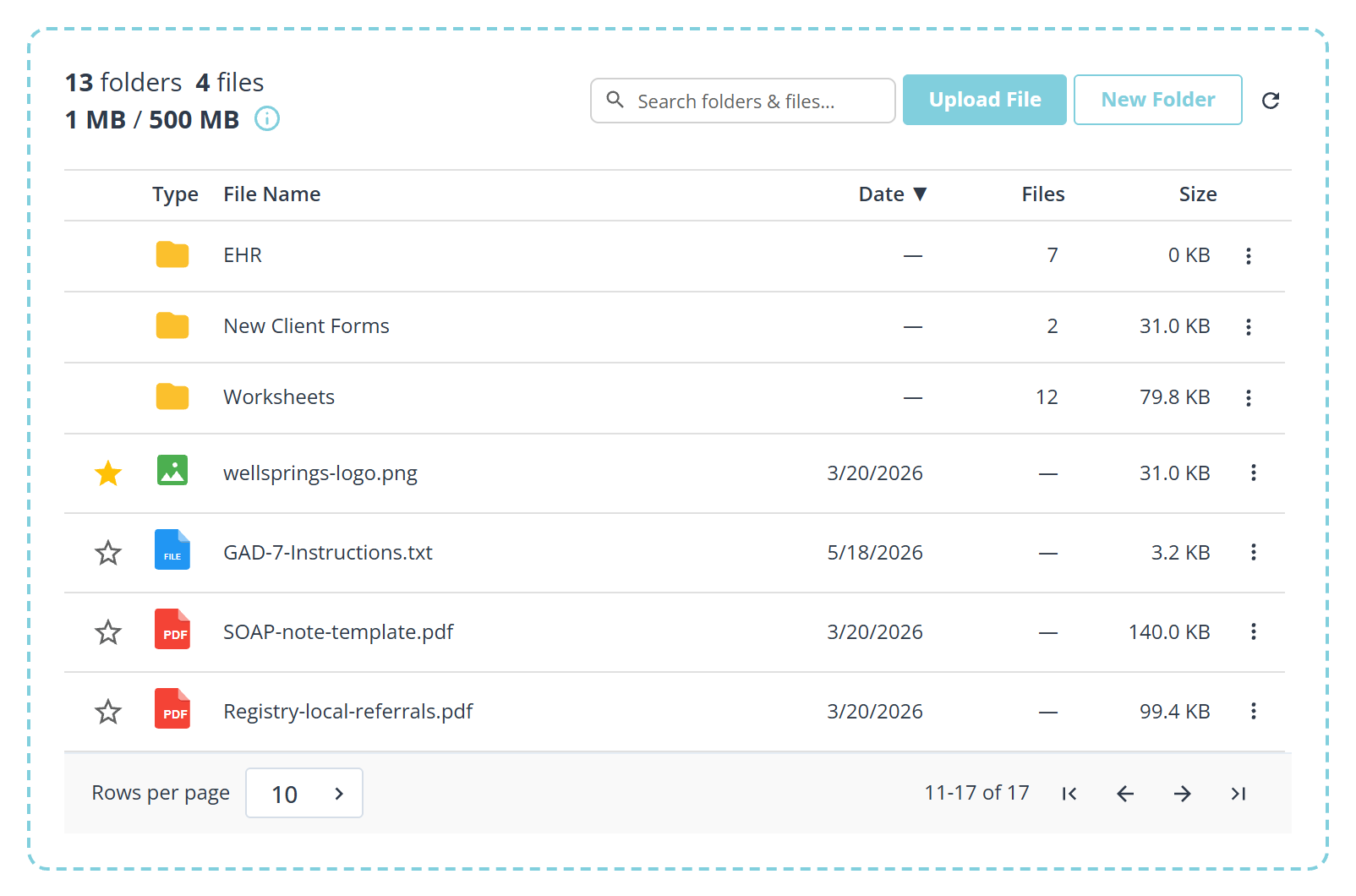
Two libraries
My Documents are yours, and nobody else sees them.
Clinic Documents are the clinic’s. Upload an intake form or a standard handout once here and everybody can send it, which is the point of the distinction.
Folders
Group documents into folders so the picker in a call is not a single long list. Most practices end up with one folder per presenting problem, or one per form type.
Uploading
Upload File picks a file. You can also Drag and drop to upload files: the dashed border around the panel is the target, and it lights up as you drag over it.
Pinning
The star at the start of a row pins that file, and pinned files sort to the top of their list. Worth doing for the two or three you reach for every day, so they are not somewhere on page two when a client is waiting.
Storage
The figure under the counts is how much of the allowance is used. Each library gets 500 MB. It is generous for documents and small for anything else: a few hundred PDFs will not trouble it, a video will.
What to know
- Sending a document in a call does not give the client access to anything else.
- Uploading to Clinic Documents is usually an admin job, since everyone sees the result.
- See Share a document in a call for sending one.