
Call History
A log of your sessions: who was in them, when, and how long they lasted.
- Who can use it
- All staff
- Plans
- Paid plans
- Where
- Account SettingsCall History
Keep a log of your basic session details, such as participants, when, and how long each call lasted. Staff can review it any time from the Call History page.
Open Account Settings › Call History.
What each row shows
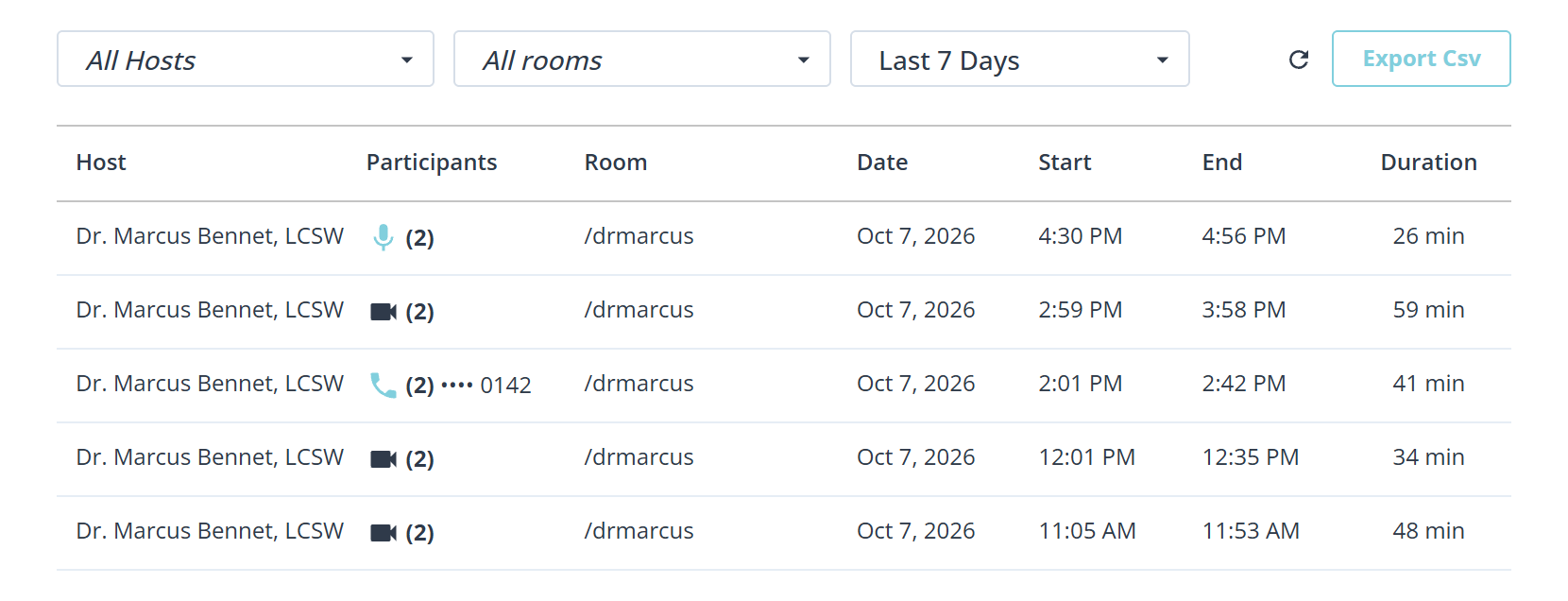
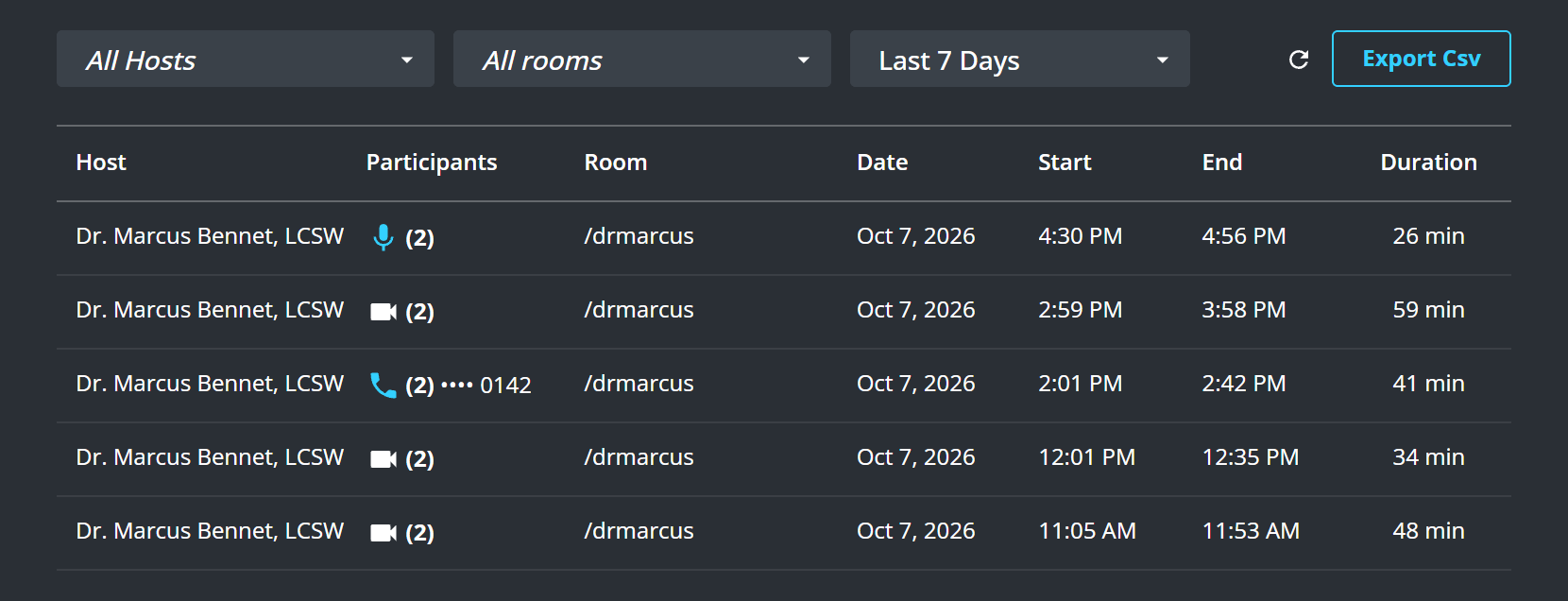
Seven columns: Host, Participants, Room, Date, Start, End and Duration.
The icon beside the participant count says how the call was held: a camera for a Video call, a microphone for an Audio-only call, and a handset for a Phone call. A phone call also shows the last four digits of the number, so you can tell two of them apart without opening either.
Filter by date, by host, or by room, which is how you answer “what happened in Reception last Tuesday” without reading the whole list.
Export it
Export Csv downloads the list as a spreadsheet. Export PDF exports a single session’s summary.
The spreadsheet is the one to take to billing or to a supervisor: it carries the times and durations as data rather than as a screenshot.
What to know
- It records that a session happened and who was in it. It is not a recording and holds nothing that was said.
- A call is only logged if Enable Call History is on. See Turn Call History on or off.