
Write a note without a recording
Describe the session in your own words and have it turned into a structured note.
- Who can use it
- All staff
- Plans
- Paid plans
- Where
- Account SettingsNotes Generator
Generate AI-assisted clinical notes based on session details.
Use it when the session was not recorded, when it happened on the telephone, or when you would rather not record at all.
- Open Account Settings › Notes Generator.
- Choose Visit Type, Note Type and Note Length. All three are required.
- Describe the session. Min length is 10 characters, and Max length is 2,500 characters.
- Generate it.
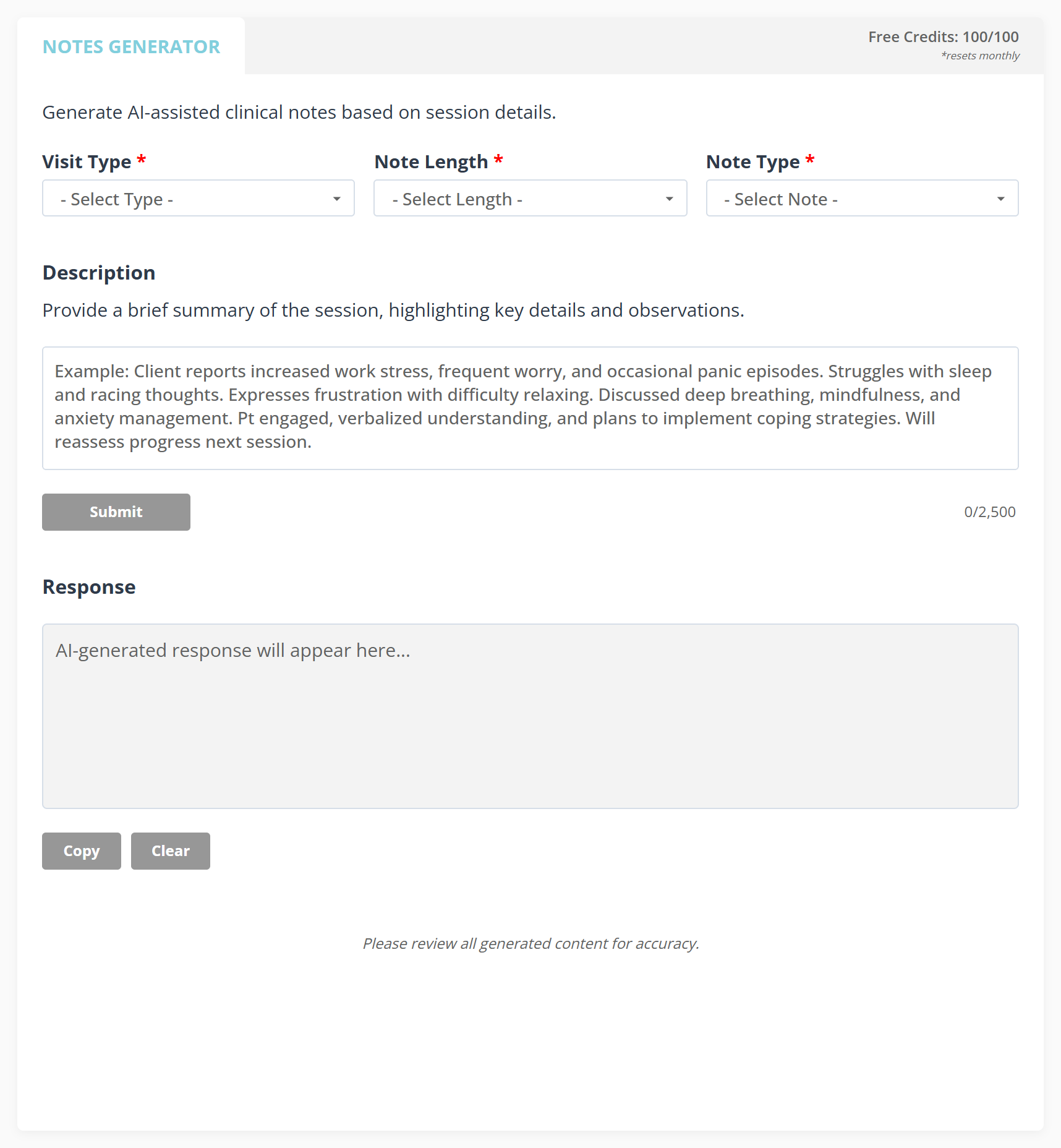
The count at the top right is the whole of what it costs you.
What to know
- Please review all generated content for accuracy.
- It is free. You get 100 notes a month, shown as Free Credits at the top of the page, and running out does not start spending the organization’s AI credits. It is the one AI feature that does not touch them.
- The allowance is counted by the browser you work in, so the number can differ between computers and starts again if you clear your browsing data.
- What you type is the only thing it has. A thin description produces a thin note.