
Your BAA
What a Business Associate Agreement is for, who signs it, and how to create one here.
- Who can use it
- Clinic admins
- Where
- Account SettingsAccount Security
HIPAA-covered entities must have a BAA in place with each of their partners to maintain PHI security and overall HIPAA compliance.
Your practice is the covered entity. HIPAA LINK handles client information on your behalf, which makes us a business associate, and a Business Associate Agreement is the contract that sets out what we may do with that information and what we owe you.
It is included on every plan, including Free. You create it yourself, and it takes a minute.
Create your BAA
- Open Account Settings › Account Security, then the BAA tab.
- Enter the Full Name. Name of signatory on the BAA.
- Enter the Relationship to Covered Entity, such as Director, COO, etc.
- Enter the Covered Entity. Your name or organization.
- Select Create BAA.
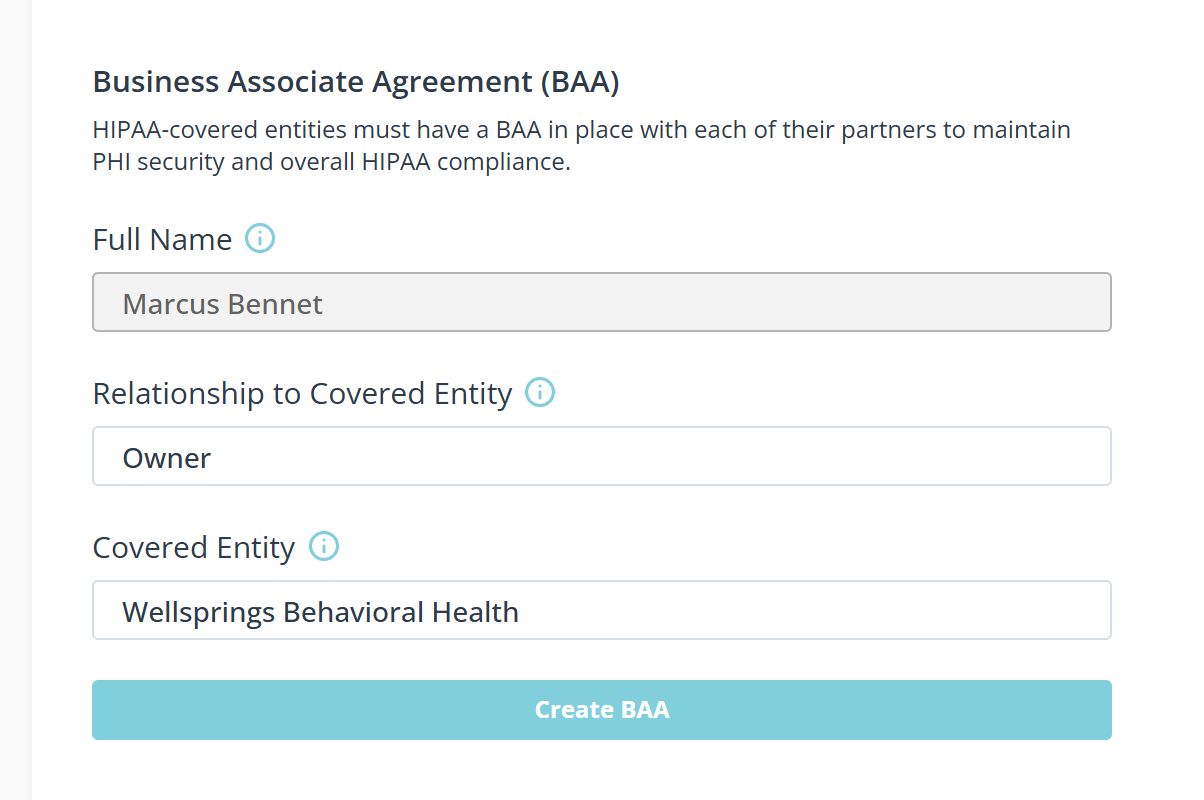
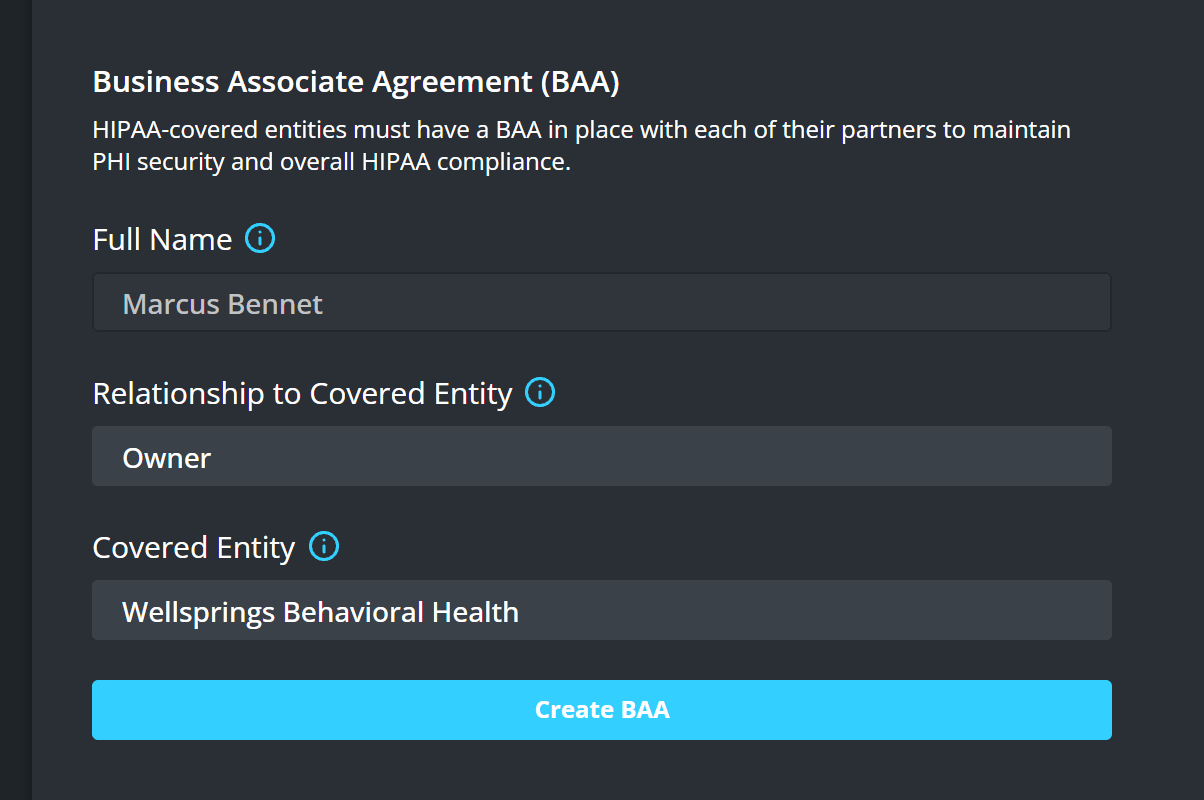
Sign as somebody who can commit the practice. For a single provider that is you; for a group it is whoever signs its contracts. The Covered Entity is the practice itself, which for a single provider is often the same name twice.
What it covers
- This agreement is between your practice and HIPAA LINK. Agreements with your other vendors are separate and are not affected by it.
- The services behind HIPAA LINK are covered too. Every service that handles client information on our behalf does so under a BAA of its own.
- The 90-day fax clause matches what the product does. Faxes you send and receive are deleted after 90 days, from HIPAA LINK and from the fax service that carried them. See What HIPAA LINK keeps, and for how long.
- The panel links out to the official guidance on BAA requirements, which is the right place for questions about what an agreement must contain.
- Keep a copy outside the product with the rest of your compliance paperwork.
What the agreement does not do
A BAA covers how we handle information on your behalf. It does not make a practice compliant by itself, because much of that depends on how the practice works: who you give a seat to, whether staff use two-factor sign-in, where you file the PDFs you download, and who can see your screen during a session.
See How HIPAA LINK protects your information for what the product does, and what is left to you.